Disclosure: This post contains affiliate links. If you sign up through our links, we earn a small commission at no extra cost to you. We only recommend tools we use and trust.
This post contains affiliate links. If you sign up through our links, we earn a small commission at no extra cost to you. We only recommend tools we use and trust.
Manual invoicing wastes 3-5 hours weekly. This guide shows you how to automate payments entirely using Stripe, Make.com, and booking tools—eliminating follow-ups, late-payment chasing, and manual admin so you focus on coaching.
Manual payment collection is one of the highest-friction administrative tasks in a coaching business. Sending invoices, chasing late payments, managing recurring subscriptions, and reconciling transactions manually can consume 3-5 hours per week in an active coaching practice. This guide covers the exact tools and workflows to automate the entire payment process in 2026 — from first invoice to automatic renewal.
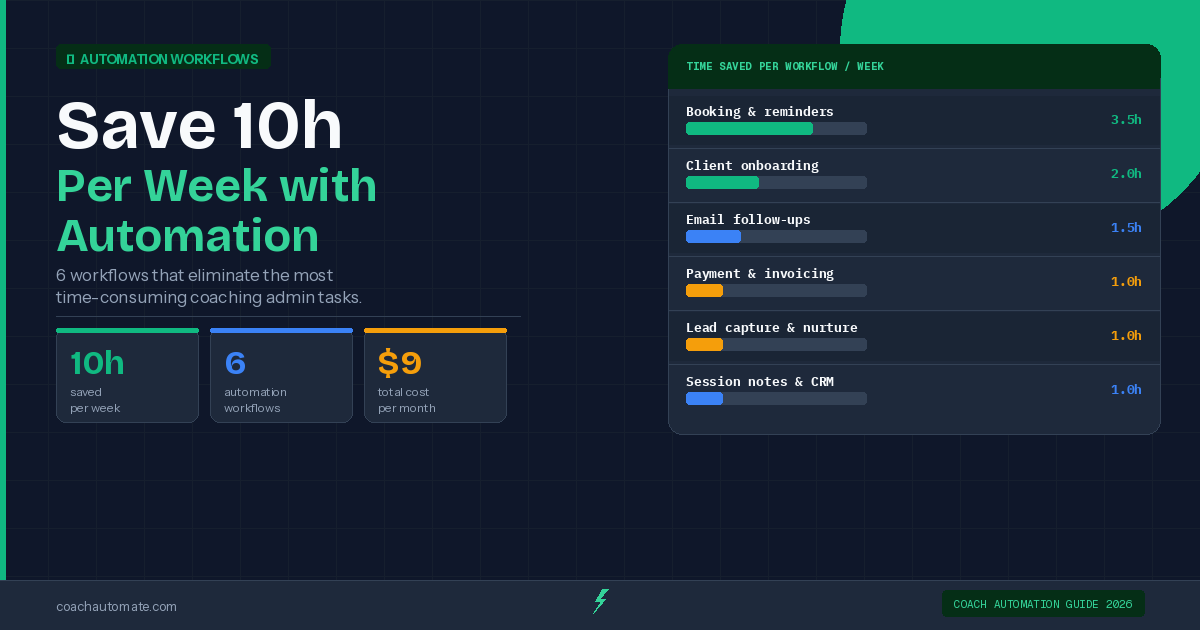
Related: Complete Guide to Coaching Business Automation
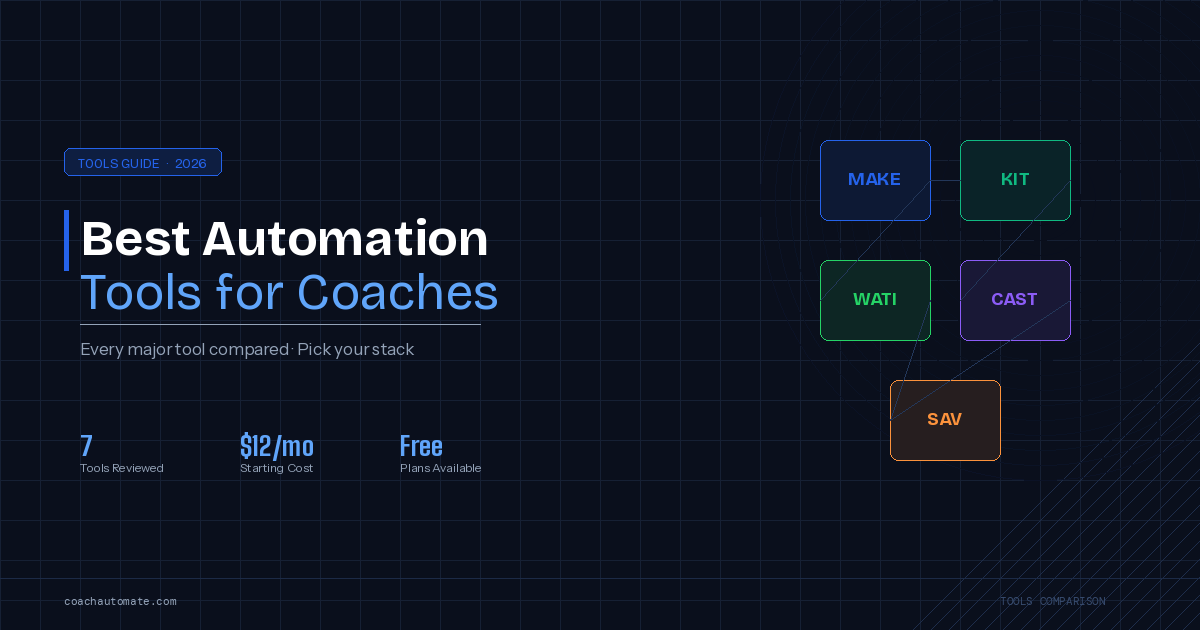
Related: Best Automation Tools for Coaches 2026
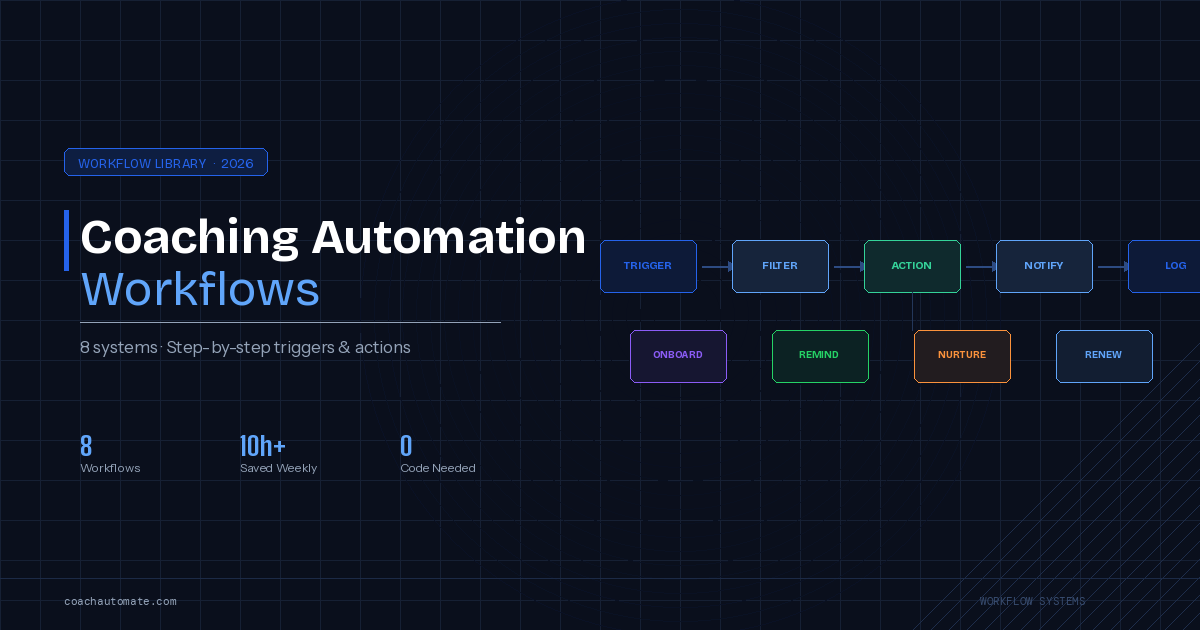
Related: Coaching Automation Workflows: 8 Systems That Save 10h/Week
The Payment Automation Stack for Coaches
A complete payment automation system for a coaching business uses three layers: a payment processor (Stripe) to handle the actual transactions, a booking tool (SavvyCal) to collect payment at the point of scheduling, and an automation platform (Make.com) to trigger follow-up sequences based on payment events.
The goal is zero manual invoice sending. Every payment request, reminder, receipt, and follow-up should happen automatically based on the client's actions.
Stripe for Coaching Businesses
Want this in PDF form?
Get the 32-page Coach Automation Playbook — every workflow in this article, plus 5 more, ready to implement this week.
✓ Check your inbox — the playbook is on its way!
No spam. Unsubscribe anytime.
Stripe is the payment infrastructure that most coaching payment automation is built on. It handles one-time payments, recurring subscriptions, payment links (shareable URLs that go directly to a checkout page), and invoices with automatic payment reminders.
For coaches, the most relevant Stripe features are: Payment Links (no-code checkout pages you can share via email or embed on your website), Subscriptions (automatic recurring billing for monthly retainer or programme clients), and the Stripe Customer Portal (a self-service page where clients can update their payment method, download invoices, or cancel — without contacting you).
Stripe charges 1.4% + 20p per transaction for European cards and 2.9% + 30¢ for US cards. There are no monthly fees — you only pay when you process a transaction.
Payment Link Automation Workflow
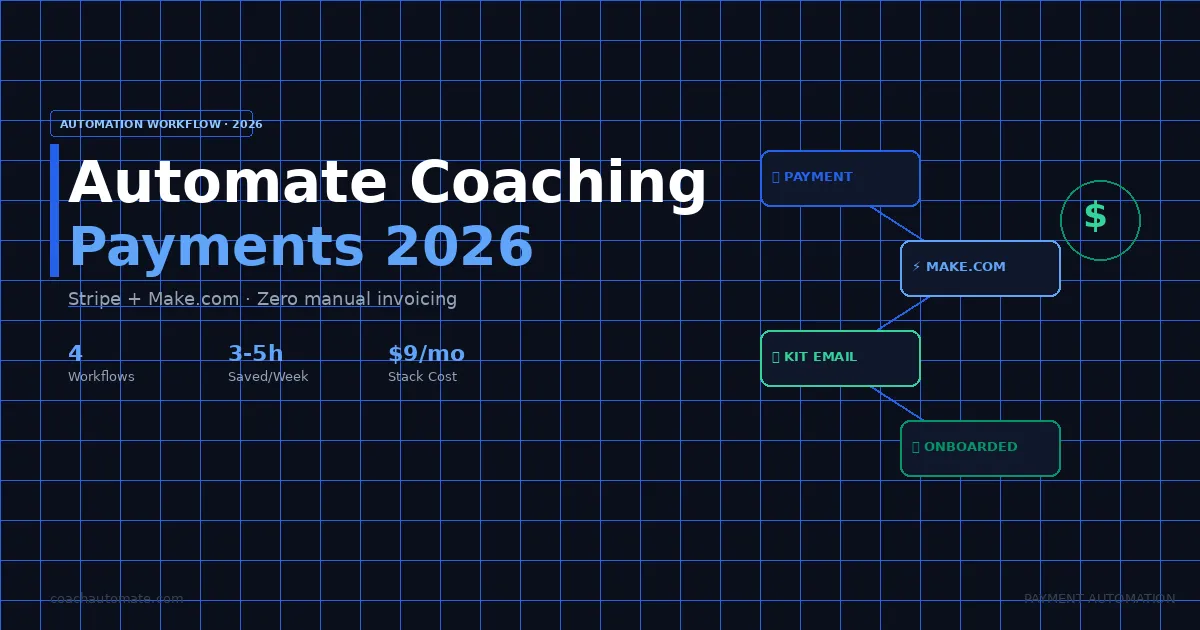
After a discovery call, your Make.com automation sends a Stripe Payment Link via email. When the client pays, Make.com automatically adds them to your Kit onboarding sequence and books their first session. No manual steps.
See Full Workflow → →Workflow 1: Automated Payment Request After Discovery Call
Trigger
Discovery call marked as completed in SavvyCal (or a tag applied in Kit, or a note added in your CRM).
Actions
Make.com sends a personalised email via Kit containing your Stripe Payment Link for the agreed programme. The email is pre-written and includes the programme details, start date, and a single clear CTA. If the client has not paid within 48 hours, Make.com sends an automatic follow-up. If they have not paid within 5 days, you receive a notification to follow up personally.
Result
You send zero manual invoices. The payment request, follow-ups, and notification if action is needed all happen automatically.
Workflow 2: Automated Client Onboarding on Payment
Trigger
Stripe webhook fires when a payment is completed successfully.
Actions
Make.com receives the webhook and simultaneously: adds the client to the 'paid-client' tag in Kit and starts their onboarding email sequence, sends a welcome email with their first session booking link, creates a contact record in your CRM with their programme details and start date, and sends you a Slack or email notification confirming the new client.
Result
From the moment a client pays, their entire onboarding experience begins automatically. You are notified but need to take no manual action.
This workflow eliminates the gap between payment and first contact — a gap that causes buyer's remorse and early cancellations in coaching businesses that handle onboarding manually.
Workflow 3: Recurring Payment and Renewal Automation
For Monthly Retainer Clients
Set up Stripe Subscriptions for any client on a monthly retainer. Stripe handles the recurring charge automatically on the agreed date, sends the client a receipt, and notifies you of any failed payments. Make.com can trigger a personalised check-in email to the client on the day their subscription renews — reinforcing the value of the relationship at the moment they are thinking about the investment.
For Programme-Based Clients
For clients on fixed-duration programmes (8-week, 12-week), set up an automatic renewal sequence in Kit that triggers 2 weeks before their programme end date. The sequence should: remind them of the results they have achieved, present the next programme or continuation option, and include a direct Stripe Payment Link for renewal. Coaches using this approach report 20-30% higher renewal rates compared to manual renewal conversations.
Workflow 4: Failed Payment Recovery
Failed payments are one of the most time-consuming manual tasks in subscription-based coaching businesses. A client's card expires, a payment fails, and without automation you either miss it or have an awkward conversation.
Stripe's built-in Smart Retries automatically attempts to recharge a failed subscription payment at optimal times over the following week. Enable this in your Stripe dashboard under Subscriptions settings. Additionally, Make.com can trigger a gentle email via Kit when a payment fails — asking the client to update their payment details through the Stripe Customer Portal link — before the issue requires a personal conversation.
Stripe's Smart Retries recover approximately 40% of failed subscription payments automatically, without any manual intervention from the coach.
SavvyCal + Stripe: Paid Discovery Calls
Some coaches charge for discovery calls to qualify prospects and reduce no-shows. SavvyCal integrates directly with Stripe, allowing you to require payment at the time of booking. The client enters their card details on the SavvyCal booking page and is charged automatically. If they cancel within your cancellation window, Stripe refunds the payment automatically.
Tools Required for Full Payment Automation
Stripe: Payment processor, subscriptions, payment links, customer portal. Free to set up, transaction fees only.
Make.com: Automation layer that connects Stripe to Kit, your CRM, and other tools. Free plan covers basic webhook workflows; paid plans from $9/month for higher volume.
Kit: Email sequences triggered by payment events. Free up to 10,000 subscribers for broadcasts; paid plans from $25/month for automations.
SavvyCal (optional): Collect payment at booking time for paid sessions. $12/month.
Total stack cost: $9-37/month depending on plans. For a coach charging $150/hour, this stack pays back in under 3 hours of recovered admin time.
Calculate Your Payment Automation ROI
Enter your session rate and client volume to see exactly how much time and money payment automation would save your coaching business.
Open ROI Calculator → →Frequently Asked Questions
Do I need a business account for Stripe?
Stripe allows both personal and business accounts. For a coaching business, a business account (sole trader or limited company) is recommended for tax purposes and to display your business name on client receipts.
Is it legal to charge clients automatically without manual approval each time?
Yes, provided you have obtained the client's consent to recurring billing at the point of sale. Stripe's subscription setup includes a clear disclosure of the recurring charge terms, and clients can manage or cancel their subscription through the Stripe Customer Portal at any time.
What happens if a client disputes a payment?
Stripe's dispute process requires you to provide evidence that the service was delivered (session notes, emails, booking records). Maintaining clear records of coaching sessions and client communication reduces dispute risk. Stripe charges a $15 dispute fee if a chargeback is filed, refunded if you win the dispute.
Can I use PayPal instead of Stripe?
PayPal is an option but has significant limitations for automation. PayPal's API is less flexible than Stripe's, webhook reliability is lower, and the subscription management features are more limited. For coaches who want full payment automation via Make.com, Stripe is the strongly preferred option.
Get the Coach Automation Playbook — Free
One practical automation tip a week, plus the 32-page playbook as soon as you sign up. No filler, unsubscribe in one click.
✓ Check your inbox — the playbook is on its way!
Something went wrong. Please try again.
No spam. Unsubscribe anytime. We respect your inbox.