Disclosure: This post contains affiliate links. If you sign up through our links, we earn a small commission at no extra cost to you. We only recommend tools we use and trust.
This post contains affiliate links. If you sign up through our links, we earn a small commission at no extra cost to you. We only recommend tools we use and trust.
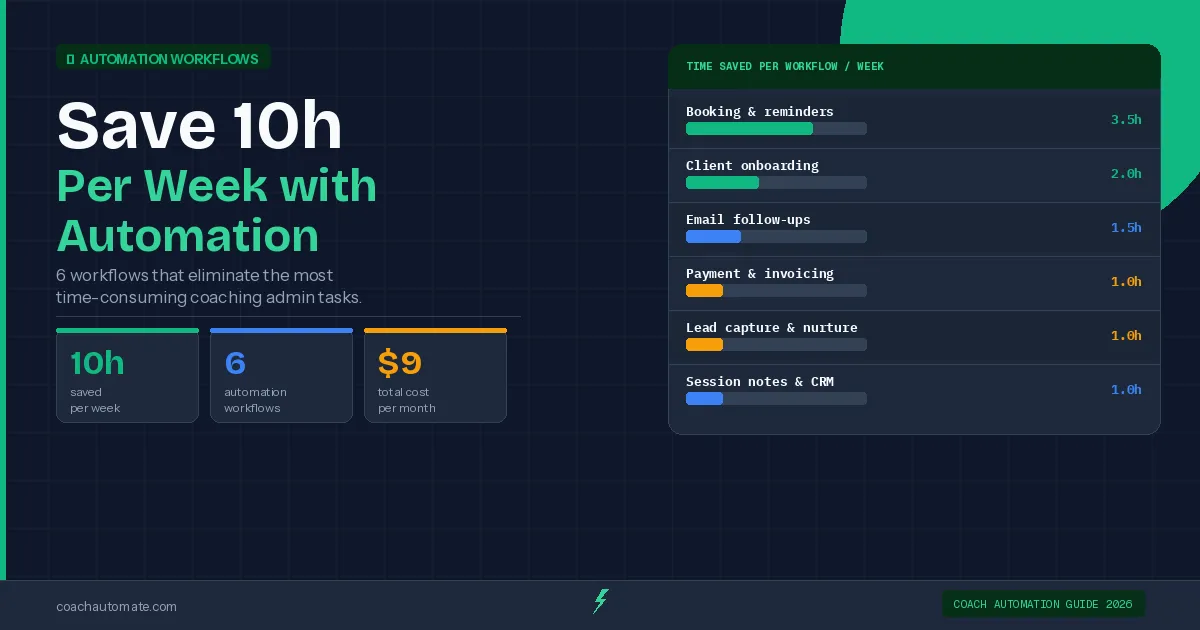
Coaches waste 15-20 hours weekly on admin tasks. These 6 automations eliminate 10+ hours: booking confirmations, client onboarding, follow-ups, lead nurturing, and payment processing. Set up this weekend, save time forever.
Last reviewed: May 2026 by CoachAutomate Team
The average coach spends 15-20 hours per week on tasks that have nothing to do with coaching: scheduling, confirmation emails, reminders, onboarding, follow-ups, invoicing, and CRM updates. Every one of these tasks can be automated. These 6 workflows, built with Automate workflows with Make.com and Grow your audience with Kit, eliminate over 10 hours of that admin time every week.
Related: Complete Guide to Coaching Automation
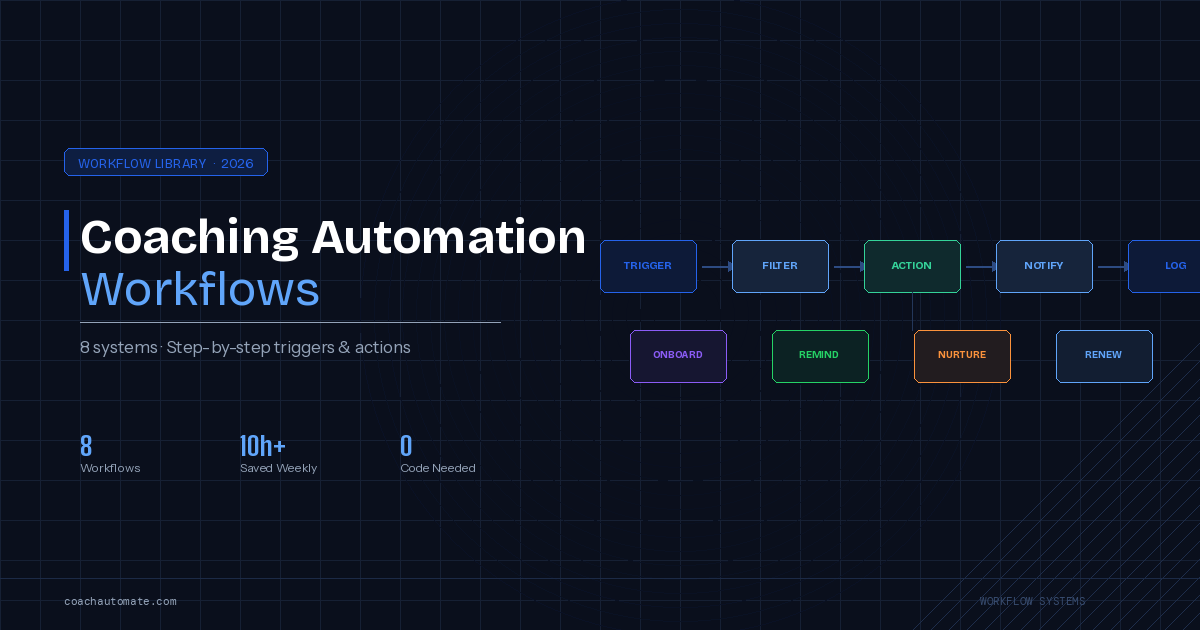
Related: Coaching Automation Workflows
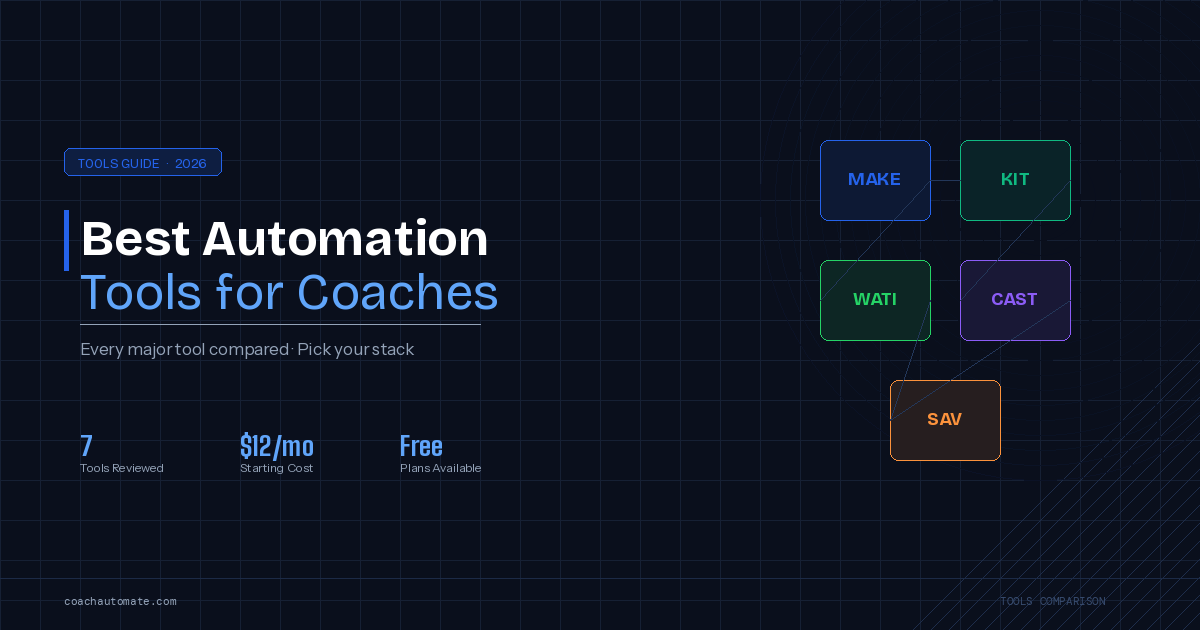
Related: Best Automation Tools for Coaches
| Workflow | Time Saved/Week | Difficulty | Tools Needed |
|---|---|---|---|
| Booking + reminders | 2-3 hours | Easy | Make.com + SavvyCal + Kit |
| Client onboarding | 2-4 hours | Moderate | Make.com + Stripe + Kit |
| Post-session follow-ups | 1-2 hours | Easy | Make.com + Kit |
| Lead nurture sequences | 2-3 hours | Easy | Kit sequences |
| Payment receipts + CRM updates | 1 hour | Moderate | Make.com + Stripe + Notion |
| Re-engagement sequences | 1-2 hours | Easy | Kit sequences |
| TOTAL | 10-15 hours/week | — | Make.com + Kit + SavvyCal |
Workflow 1: Booking Confirmations & Reminders (2-3 hrs/week)
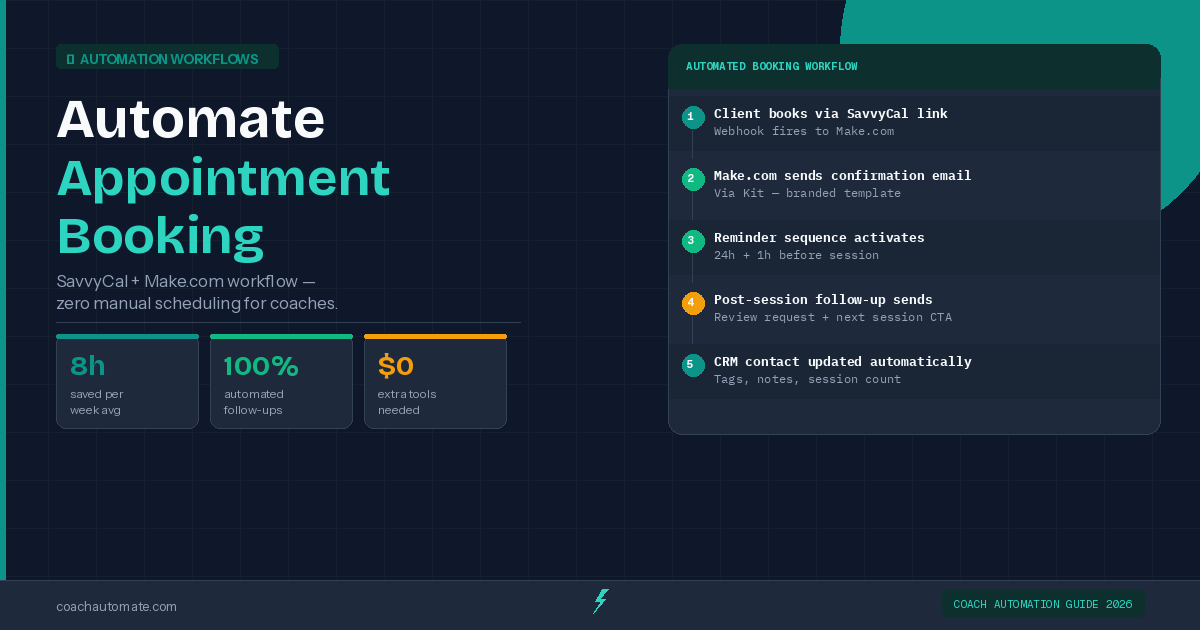
Writing individual confirmation and reminder emails is the most common time sink for coaches. With a Automate workflows with Make.com scenario watching SavvyCal for new bookings, a personalised confirmation fires instantly via Grow your audience with Kit, followed by a 24h reminder and a 1h reminder automatically. Zero manual work, zero missed reminders, and no-show rates drop by up to 80%.
Workflow 2: New Client Onboarding (2-4 hrs/week)
Want this in PDF form?
Get the 24-page Coach Automation Playbook — every workflow in this article, plus 5 more, ready to implement this week.
✓ Check your inbox — the playbook is on its way!
No spam. Unsubscribe anytime.
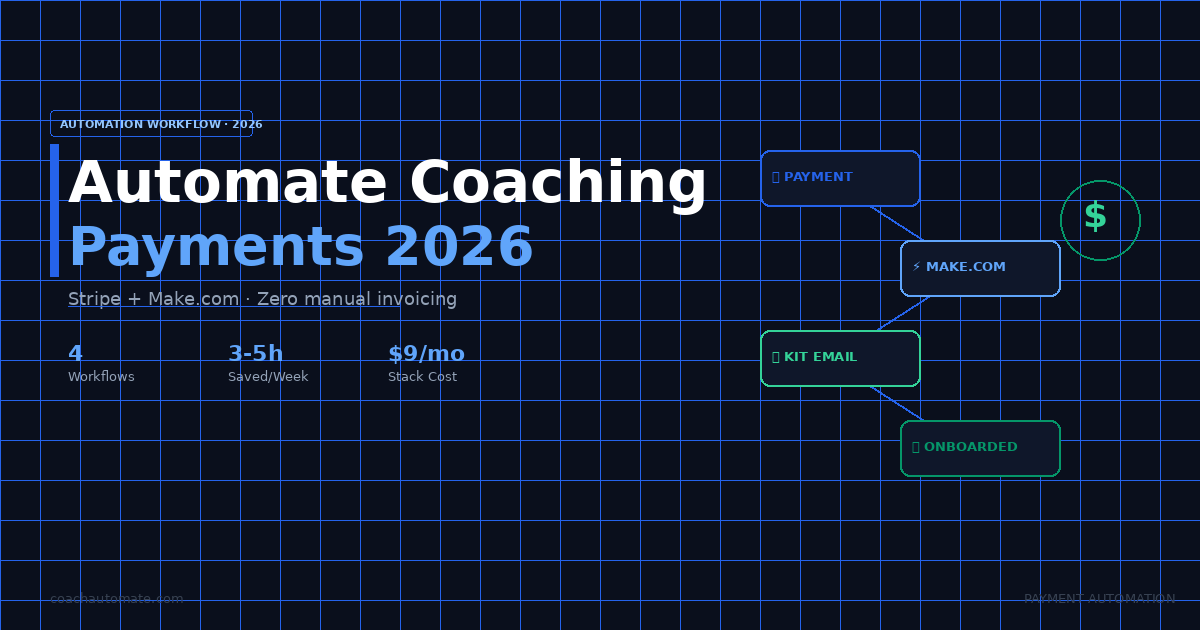
When Stripe receives a payment, Automate workflows with Make.com fires the full onboarding sequence: welcome email, intake form, portal access, first session booking link. The client receives everything within 30 seconds of payment. You receive zero admin tasks. See the full client onboarding automation guide for the complete step-by-step setup.
Workflow 3: Post-Session Follow-Ups (1-2 hrs/week)
Two hours after a session ends, an automated email sends via Kit with a request for session highlights and action items. Three days later, a check-in fires. Seven days later, a rebooking nudge. Coaches who automate post-session follow-ups see 40-60% higher rebooking rates — not because the emails are better, but because they are consistent and timely in a way that manual sending rarely is.
Workflow 4: Lead Nurture Sequences (2-3 hrs/week)
Every lead who downloads your freebie enters a Grow your audience with Kit sequence automatically — 5-7 emails over 10 days that build trust, demonstrate expertise, and invite a discovery call. Building this sequence once eliminates the manual follow-up writing that most coaches either do inconsistently or skip entirely. A good nurture sequence converts 15-25% of new leads into discovery calls.
Workflow 5: Payment Receipts & CRM Updates (1 hr/week)
Every Stripe payment triggers a Make.com scenario that sends a branded receipt, creates a client record in Notion, and updates the revenue tracker. Every failed payment triggers a polite retry email within the hour. This eliminates both the manual receipt sending and the awkward failed payment conversations.
How to Start: Build in This Order
Build Workflow 1 first — it saves the most time immediately and is the fastest to set up. Then Workflow 4 (lead sequences in Kit — no Make.com needed). Then Workflow 2. Each workflow builds on skills from the previous one. The full stack takes a weekend to set up and then runs forever.
All 6 workflows can be built in one focused weekend. Workflow 1 and 4 take under 2 hours combined. Workflows 2, 3, and 5 take another 3-4 hours. The ROI on that time investment: 10+ hours saved every single week from that point forward.
Start Automating with Make.com — Free
1,000 operations/month free. Connect SavvyCal, Kit, Stripe, and Notion in a single workflow platform.
Start Make.com Free → →Build Your Email Sequences in Kit
Free up to 10,000 subscribers. Visual sequence builder — your lead nurture and follow-up sequences live here.
Start Kit Free → →Get the Coach Automation Playbook — Free
Join 1,000+ coaches getting one practical automation tip every week. Includes the 24-page PDF playbook delivered instantly.
✓ Check your inbox — the playbook is on its way!
Something went wrong. Please try again.
No spam. Unsubscribe anytime. We respect your inbox.