Disclosure: This post contains affiliate links. If you sign up through our links, we earn a small commission at no extra cost to you. We only recommend tools we use and trust.
Winner: WATI
Better fit for non-developer coaches; setup in 30 minutes
Try WATI Free →Full side-by-side comparison below ↓
This post contains affiliate links. If you sign up through our links, we earn a small commission at no extra cost to you. We only recommend tools we use and trust.
WATI and Twilio both automate WhatsApp for coaches, but they're built for different people. WATI requires no coding and has fixed costs. Twilio is cheaper upfront but needs developer help to set up, making it risky for solo coaches.
WATI vs Twilio for Coaches: Which WhatsApp Tool Actually Fits Your Business?
If you're an independent coach and you've spent more than 10 minutes Googling WhatsApp Business API tools, you've almost certainly run into WATI and Twilio. They both give you access to the WhatsApp Business API. They both let you automate messages. And they both have the kind of marketing copy that makes everything sound easy.
The reality for coaches running 1-1 sessions or small group programs is more complicated. One of these tools is built for your world. The other is built for developers at mid-size companies. Getting this wrong means months of integration headaches, unexpected usage bills, or a tool you never fully configure because it requires someone with a computer science degree to set up.
Let's cut through it.
What Problem Are We Actually Solving Here?
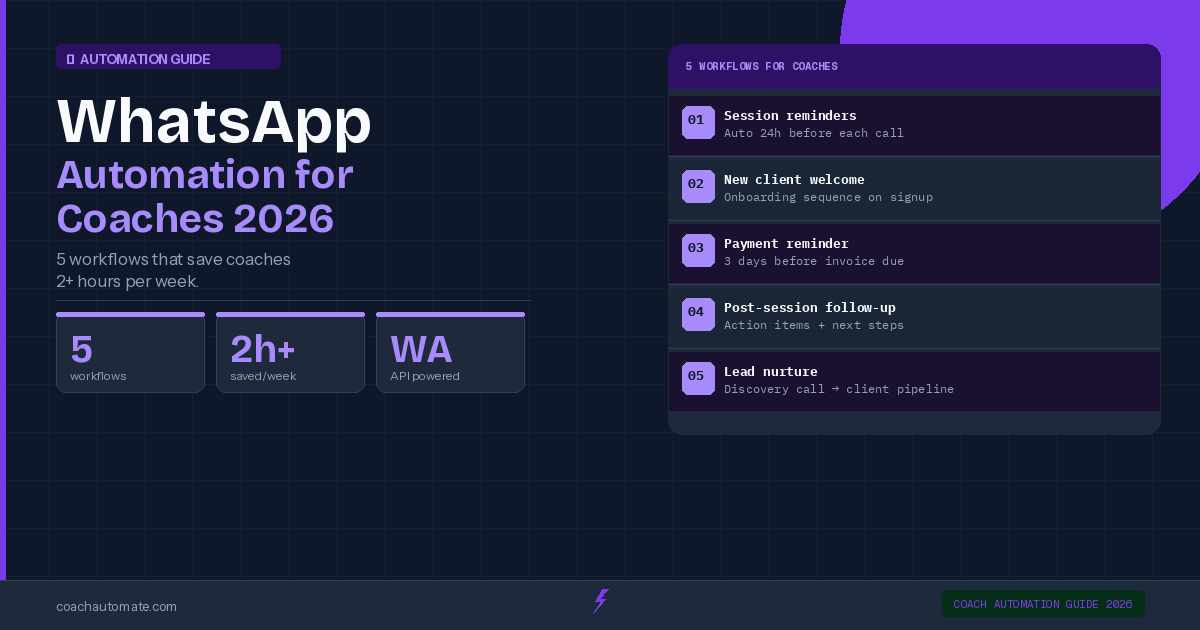
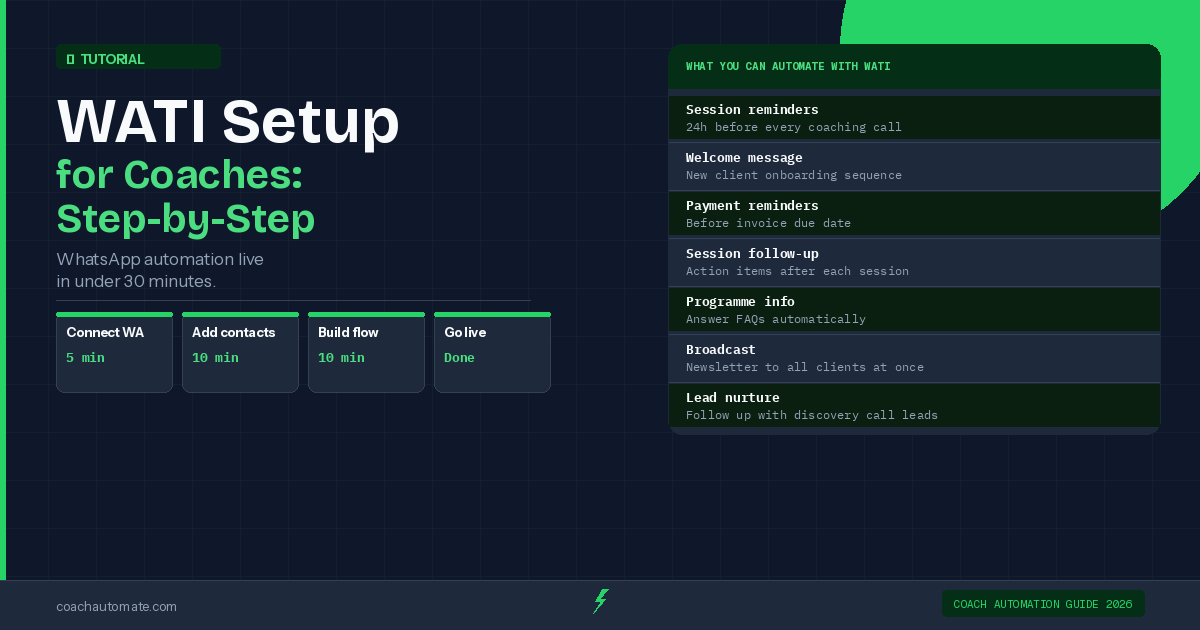
Before comparing tools, let's be honest about the job to be done. As an independent coach, you're probably trying to solve one or more of these:
• Send onboarding messages automatically when a new client pays
• Remind clients about sessions without manually typing every message
• Follow up on leads who enquired but didn't book
• Run a group program where all participants need updates at once
• Stop being glued to your phone while still staying responsive
Both WATI and Twilio can technically do all of this. The question is how much time, money, and technical skill each one costs you to get there.
WATI: Built for Teams Who Don't Want to Write Code
Want this in PDF form?
Get the 32-page Coach Automation Playbook — every workflow in this article, plus 5 more, ready to implement this week.
✓ Check your inbox — the playbook is on its way!
No spam. Unsubscribe anytime.
WATI (WhatsApp Team Inbox) is a purpose-built WhatsApp Business API platform. Its entire product is focused on one channel: WhatsApp. That focus is actually its biggest advantage for coaches.
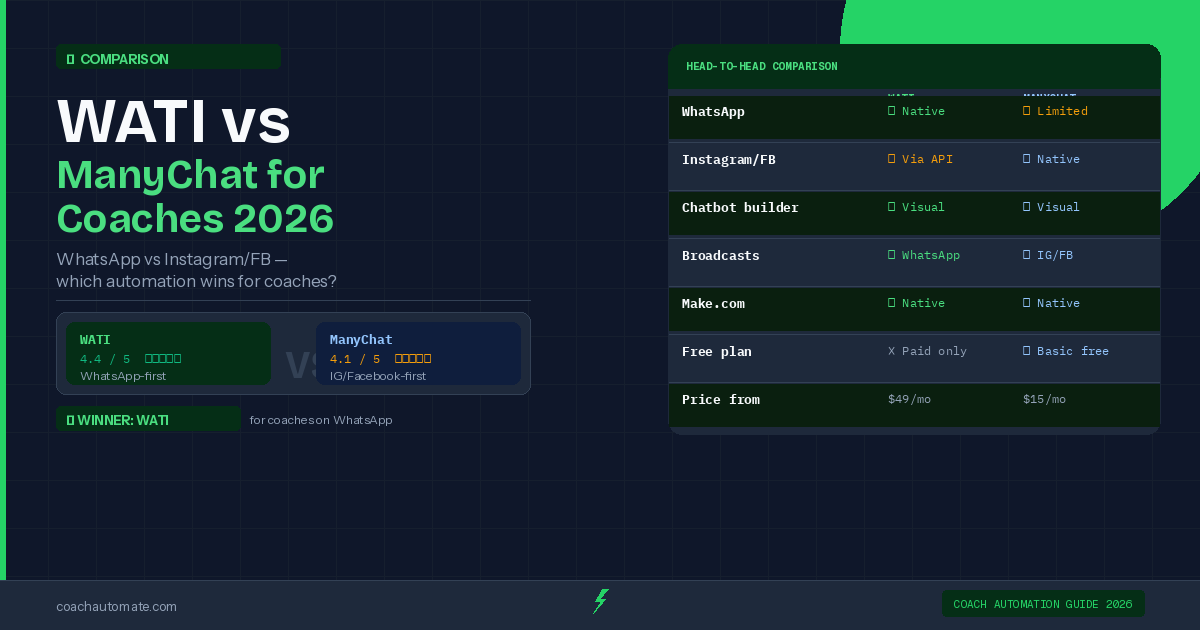
The platform includes a no-code chatbot builder, a shared team inbox, broadcast campaign tools, Instagram DM automation, and an AI layer they call Wati AI — which covers a Copilot, AI Agents, and a bring-your-own-AI option. For a solo coach or a small team, the team inbox alone is genuinely useful: all your WhatsApp conversations in one place, with the ability to assign chats, add notes, and see client history without scrolling through your personal phone.
WATI also lists eLearning as a specific industry vertical on their site, which tells you something: they've thought about the use case. Their campaign tool lets you send personalized bulk messages with what they describe as best delivery rates — useful when you're launching a new cohort and need to reach 50–200 people at once.
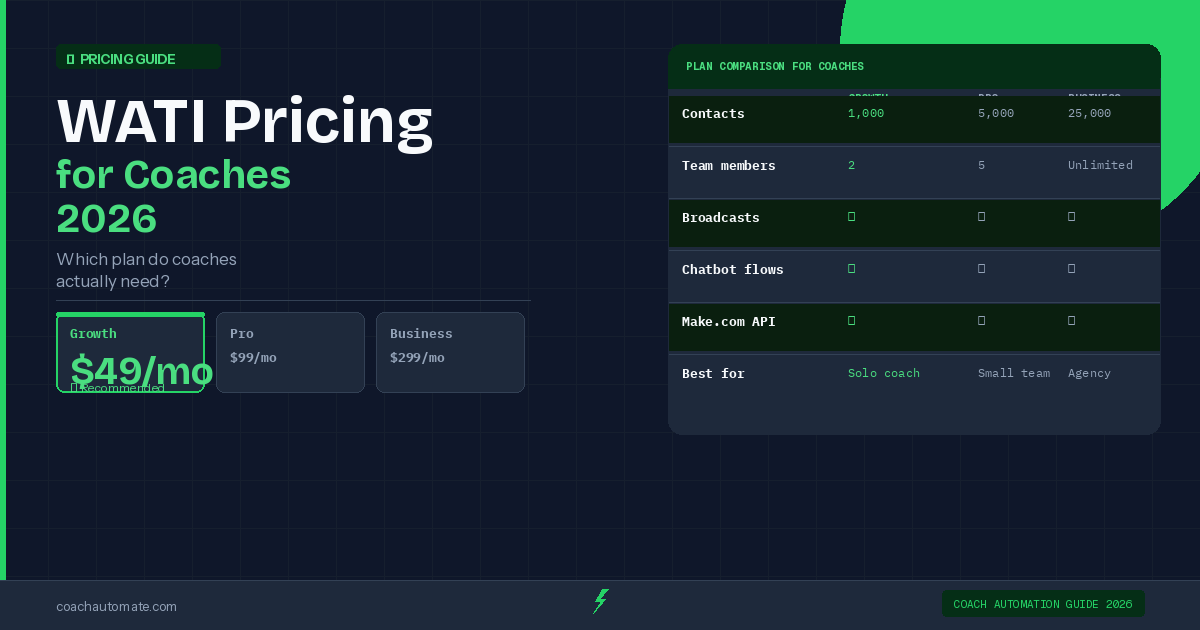
You can explore WATI's current plans at WATI's official pricing page — they update their pricing periodically so always check the live page before making a decision.
The honest limitation: WATI is a SaaS wrapper around the WhatsApp API, so you're paying a platform fee on top of WhatsApp's own conversation-based charges. For a coach with under 500 active contacts, this is almost always worth it for the time saved. For someone trying to minimize fixed costs in their first six months of business, the monthly platform fee is a real consideration.
Twilio: Pay-As-You-Go Power, Developer Required
Twilio is a communications infrastructure company. WhatsApp is one of many things it supports alongside SMS, voice, email, and video. Their WhatsApp pricing model is explicitly pay-as-you-go — you are billed per conversation, and there is no mandatory monthly platform fee to access the API itself.
This sounds great until you realise what you're actually buying. Twilio gives you the infrastructure. It does not give you a chatbot builder, a team inbox, or a campaign tool out of the box. To do what WATI does visually with a no-code interface, you need to either: (a) write code using Twilio's API, (b) hire a developer, or (c) connect Twilio to other no-code tools like Make or Zapier and build your own stack.
The pay-as-you-go model is genuinely cost-efficient at scale or at very low volume — if you're only sending a handful of automated messages per week, your Twilio bill could be a few dollars. But the hidden cost is setup time and ongoing maintenance. Every time WhatsApp changes its template policy or Meta updates its API, you or your developer needs to handle it. WATI's team handles that for you.
Twilio does support WhatsApp calling in addition to messaging, which is a differentiator — but very few coaches need to make outbound calls via WhatsApp at the API level. It's infrastructure built for contact centers, not for a coach with 30 clients.
Pricing Reality Check: What You'll Actually Spend
Here's a direct look at what the pricing structures actually mean for a typical coaching business:
WATI charges a monthly platform fee (check their live pricing page for current tiers, as they adjust these) plus WhatsApp's per-conversation fees on top. The platform fee buys you the inbox, the chatbot builder, the campaign tool, and AI features depending on your plan. The higher tiers unlock more seats and more automation capability.
Twilio charges on a pure pay-as-you-go basis for WhatsApp — you pay per conversation initiated, with rates varying by country and conversation type (marketing, utility, authentication, service). There is no mandatory monthly fee for API access itself, but you will need to budget for whatever tools or developer time you use to build on top.
For most coaches doing 20–100 client conversations per month: WATI's all-in cost (platform + conversations) will likely run you more than a raw Twilio bill. But Twilio's real cost — including the tool you build on top of it, or the hours you spend configuring integrations — is almost always higher than it looks on paper.
If your time is worth anything (and it is), paying for a tool that works out of the box almost always beats paying less for a tool that requires you to become a part-time developer.
Feature-by-Feature: What Matters for Coaches
Let's get specific about the features that show up in real coaching workflows:
No-Code Chatbot Builder
WATI: Yes, built in. You can set up a sequence that fires when someone messages your WhatsApp number, asks qualifying questions, and routes them to a booking link — without touching code.
Twilio: No native builder. You need to use their API or a third-party no-code tool to replicate this.
Broadcast Campaigns
WATI: Built-in campaign tool with personalization tokens. Useful for cohort launches, weekly check-in nudges, or re-engagement sequences.
Twilio: Possible, but requires you to build the sending logic yourself or via a connected platform.
Shared Team Inbox
WATI: Included. Multiple people can handle conversations, assign chats, and see full history.
Twilio: Not included. You'd need a separate CRM or helpdesk tool to replicate this.
Integrations
WATI: Has a native integration library plus connects via Zapier and Make with common coaching tools.
Twilio: Extremely flexible via API — if you can code it or find a Zapier connector, you can integrate anything.
Instagram Automation
WATI: Yes — automate Instagram DMs, comments, and lead capture. A genuine bonus for coaches who run their acquisition on Instagram.
Twilio: No.
If you do want to go the Twilio route and need a no-code layer to stitch it into your coaching stack, Make's no-code automation platform is the tool most coaches use to build those automations without writing code. Just know that building on top of Twilio via Make adds another layer to configure and maintain.
Who Should Choose WATI
WATI is the right call if:
• You want to be live with WhatsApp automation in days, not months
• You or your VA (not a developer) will be managing the tool
• WhatsApp is your primary or secondary client communication channel
• You run group programs and need to broadcast to 20–200 people at once
• You also want Instagram DM automation in the same platform
• You want AI-assisted responses without building a custom integration
Most independent coaches reading this will fall into this category. WATI's eLearning vertical focus isn't an accident — the product genuinely maps to the workflows coaches run: onboarding flows, session reminders, group check-ins, lead follow-up.
Who Should Choose Twilio
Twilio makes sense if:
• You have a developer on your team or are technical yourself
• You need WhatsApp as one channel inside a larger custom-built system (e.g., a custom coaching platform you're building)
• You're at very low message volume and want to minimize fixed costs while you validate your business model
• You need SMS, voice, and WhatsApp unified under one API with maximum flexibility
• You're scaling a coaching company to the point where a custom solution is cost-justified
Realistically, most independent coaches are not in this bucket. Twilio is excellent infrastructure. It is not a product designed for someone who wants to set up a welcome sequence for new clients this week without hiring anyone.
If you're building out your full coaching automation stack — not just WhatsApp — it's worth looking at how these tools connect with your CRM and booking system. CoachAutomate's recommended stack guide walks through how the pieces fit together for different coaching business models.
The Verdict: For Coaches, WATI Wins on Practicality
This isn't a particularly close call for the majority of coaches at the 1-1 or small group program stage. WATI gives you a complete, working WhatsApp business tool with no code required, AI features built in, and a team inbox that keeps your client communication organised. Twilio gives you the API layer to build that yourself.
If you're early-stage and validating your offer, even WATI might be more than you need — start with the WhatsApp Business app (free, no API required) until you're consistently working with 10+ clients. Once manual follow-up is genuinely eating your time, that's the moment to move to a tool like WATI.
If you've already crossed that threshold, stop overthinking it. The hours you spend building on Twilio cost more than WATI's monthly fee. Get set up on a platform built for your use case, systemise your onboarding and follow-up, and redirect that time to actually coaching.
FAQ
Can I use WATI or Twilio with the free WhatsApp Business app I already have?
No. Both WATI and Twilio connect to the WhatsApp Business API, which is a separate, more powerful version of WhatsApp designed for businesses. Moving to the API means you migrate away from the standard WhatsApp Business app. You'll need to verify your business with Meta during onboarding — WATI guides you through this process. Twilio expects you to handle more of it yourself.
Does WATI charge per message or per contact?
WATI charges a monthly platform subscription plus WhatsApp's conversation-based fees on top. WhatsApp's API pricing is based on conversations (a 24-hour window), not individual messages. So one back-and-forth session with a client counts as one conversation, not ten messages. The per-conversation rate varies by country. Always check WATI's live pricing page for current platform tier costs, as these have changed over time.
What if I want to start with Twilio and switch to WATI later?
You can migrate, but it's not seamless. Your WhatsApp Business phone number is tied to your API provider (called a BSP — Business Solution Provider). Switching BSPs requires a number migration process through Meta, which involves a waiting period and some configuration steps. It's doable, but it's friction you'd rather avoid by making the right choice upfront. If you're a non-technical coach, starting with WATI and staying there is the path of least resistance.
—
Reviewed and edited by the CoachAutomate team.
Get the Coach Automation Playbook — Free
One practical automation tip a week, plus the 32-page playbook as soon as you sign up. No filler, unsubscribe in one click.
✓ Check your inbox — the playbook is on its way!
Something went wrong. Please try again.
No spam. Unsubscribe anytime. We respect your inbox.