Disclosure: This post contains affiliate links. If you sign up through our links, we earn a small commission at no extra cost to you. We only recommend tools we use and trust.
This post contains affiliate links. If you sign up through our links, we earn a small commission at no extra cost to you. We only recommend tools we use and trust.
Fully automated booking systems handle confirmations, reminders, and follow-ups without manual work. This cuts no-shows by 60-80% and boosts rebooking rates using Make.com workflows triggered by calendar bookings.
Last reviewed: May 2026 by CoachAutomate Team
A fully automated booking system does five things without any manual input: lets clients book directly into your calendar, sends a personalised confirmation immediately, sends reminders at 24 hours and 1 hour before the session, sends a follow-up after the session ends, and logs every interaction automatically. Here is exactly how to build it.
Related: Complete Guide to Coaching Automation
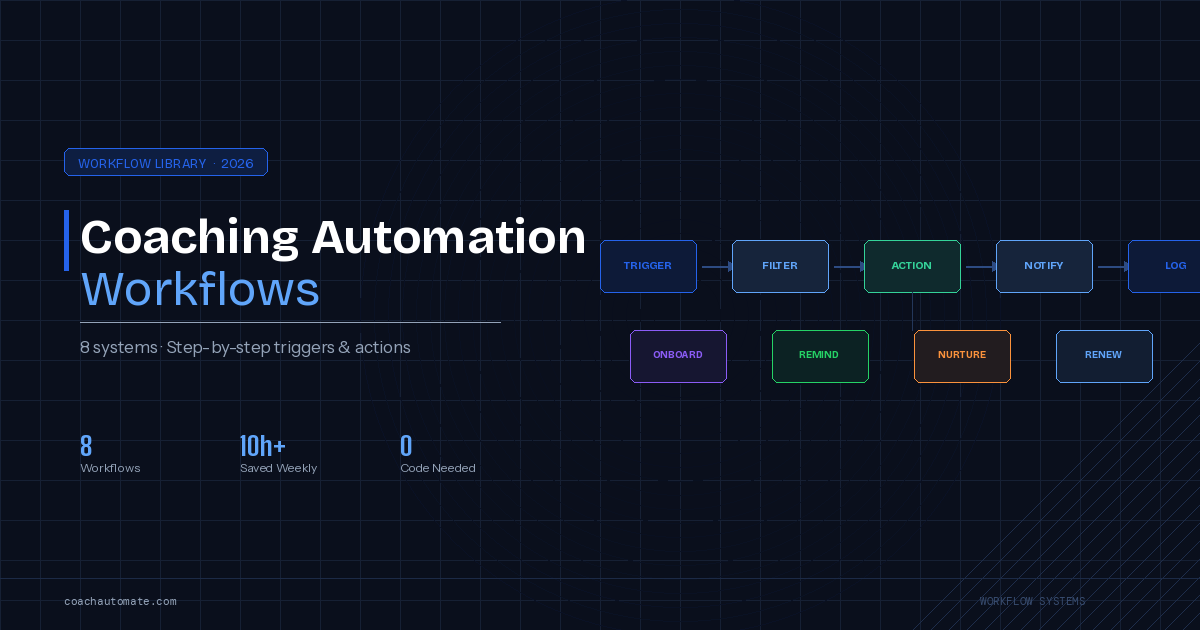
Related: Coaching Automation Workflows
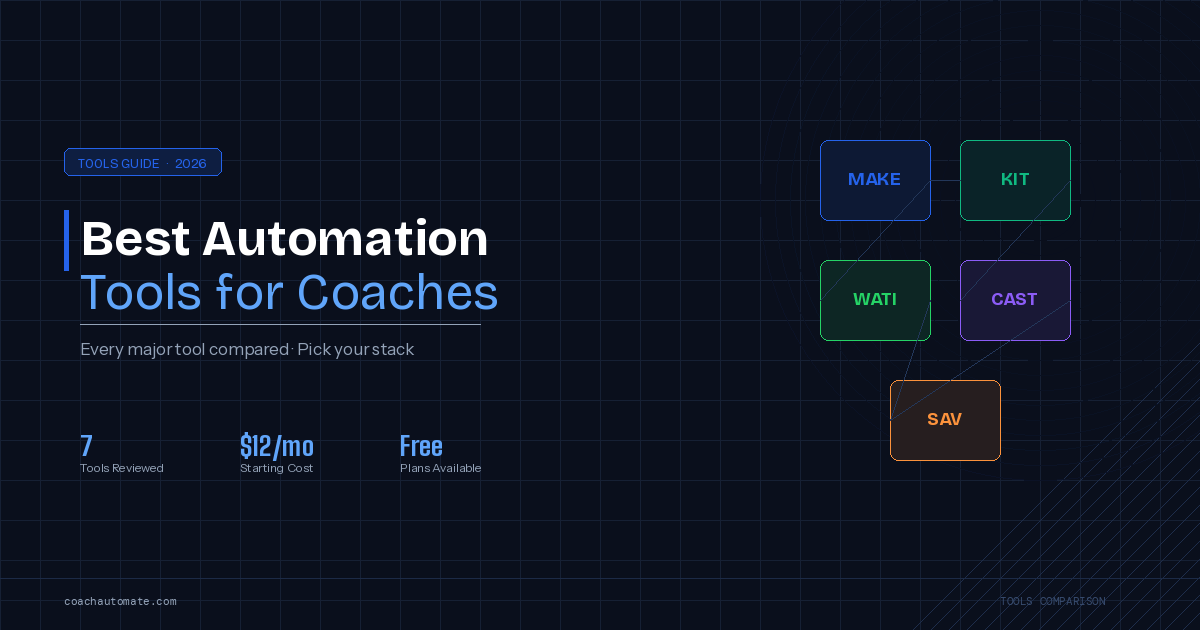
Related: Best Automation Tools for Coaches
Tools You Need
| Tool | Purpose | Cost | Why This One |
|---|---|---|---|
| SavvyCal | Scheduling — lets clients book directly | $12/mo | Best Make.com integration + overlay booking |
| Make.com | Automation hub connecting all tools | Free / $9/mo | Native SavvyCal + Kit integration |
| Kit (ConvertKit) | Confirmation + reminder + follow-up emails | Free / $25/mo | Best email automation for coaches |
SavvyCal has a native Make.com integration that fires webhooks instantly on new bookings, cancellations, and rescheduling. Calendly requires workarounds for the same functionality. SavvyCal also has an overlay booking feature that lets clients see your availability on top of their own calendar.
The Complete Booking Automation Workflow
Want this in PDF form?
Get the 32-page Coach Automation Playbook — every workflow in this article, plus 5 more, ready to implement this week.
✓ Check your inbox — the playbook is on its way!
No spam. Unsubscribe anytime.
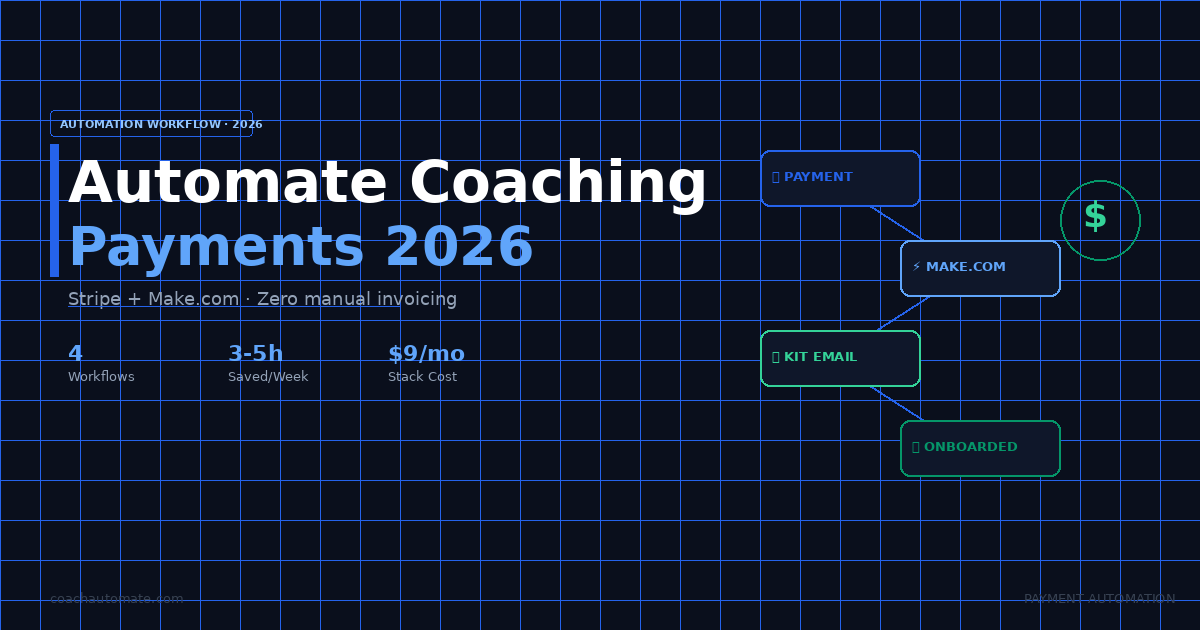
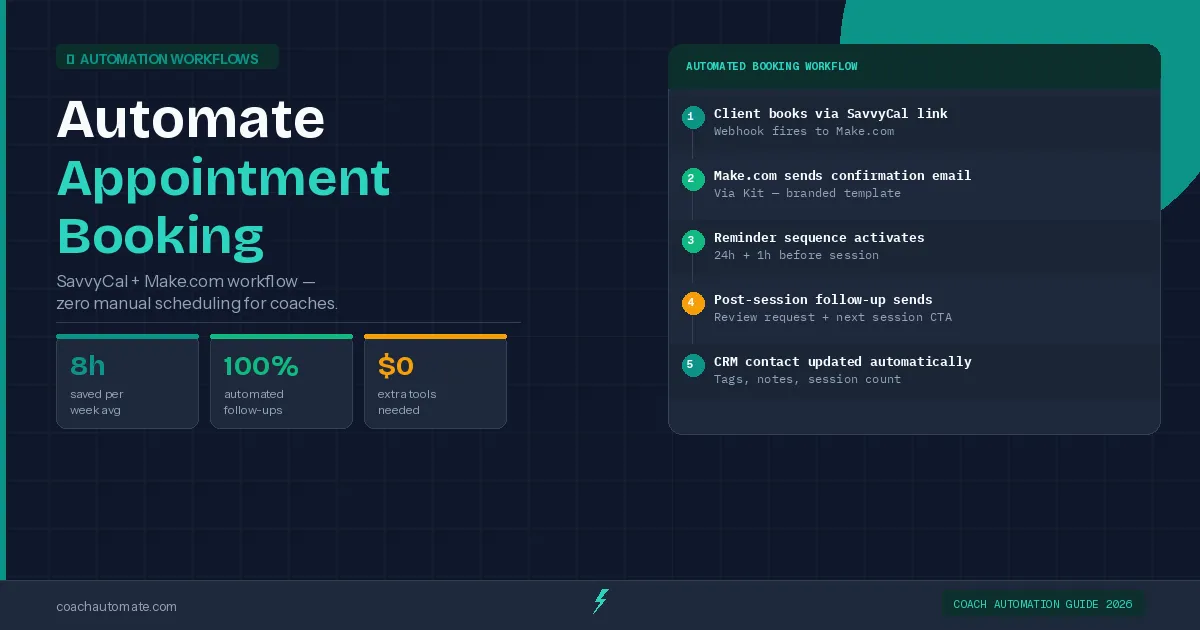
Build this workflow in Automate workflows with Make.com using SavvyCal as the trigger. The scenario watches for new bookings and runs five actions: confirms the booking via Grow your audience with Kit, adds the client as a subscriber with a 'booked' tag, schedules the 24h reminder, schedules the 1h reminder, and creates a post-session follow-up task. The entire flow from booking to confirmation takes under 5 seconds.
| Action | Tool | Timing | What Sends |
|---|---|---|---|
| Booking confirmation | Kit via Make.com | Immediately | Session details, Zoom link, prep materials |
| 24h reminder | Kit via Make.com | 24h before session | Reminder + Zoom link + what to prepare |
| 1h reminder | Kit via Make.com | 1h before session | Final reminder + join link |
| Post-session follow-up | Kit sequence | 2h after session end | Summary request + action items + rebook link |
How This Reduces No-Shows
Coaches who implement a 24h + 1h reminder system see no-show rates drop by 60-80%. The combination of a confirmation email immediately after booking (which re-confirms the commitment) and two reminders close to the session time keeps the appointment top of mind. The automated follow-up after the session also increases rebooking rates significantly — clients receive a rebook link while the session is still fresh.
Coaches who implement automated booking typically see: no-show rate drops from 15-20% to under 5%, rebooking rate increases by 40-60%, and 3-4 hours of admin time saved per week on confirmations and reminders alone.
Build Your Booking Automation with Make.com
Free plan covers everything in this guide. Connect SavvyCal, Kit, and your calendar in one workflow.
Start Make.com Free → →Get the Coach Automation Playbook — Free
One practical automation tip a week, plus the 32-page playbook as soon as you sign up. No filler, unsubscribe in one click.
✓ Check your inbox — the playbook is on its way!
Something went wrong. Please try again.
No spam. Unsubscribe anytime. We respect your inbox.