Disclosure: This post contains affiliate links. If you sign up through our links, we earn a small commission at no extra cost to you. We only recommend tools we use and trust.
This post contains affiliate links. If you sign up through our links, we earn a small commission at no extra cost to you. We only recommend tools we use and trust.
Automate your entire client onboarding with four affordable tools. Stop spending 45-90 minutes per client on manual welcome emails, intake forms, and scheduling. One payment triggers a complete 5-email sequence and portal access instantly, delivering consistency at $12/month.
Last reviewed: May 2026 by CoachAutomate Team
Every time a new client signs up, most coaches manually send a welcome email, share a portal link, send an intake form, schedule the first session, and follow up to make sure everything was received. This takes 45-90 minutes per client and scales linearly — 10 new clients means 10 hours of admin. With the right automation stack, this entire process takes zero minutes and delivers a more consistent, professional experience.
Related: Complete Guide to Coaching Automation
Related: Coaching Automation Workflows
Related: Best Automation Tools for Coaches
The Automation Stack You Need
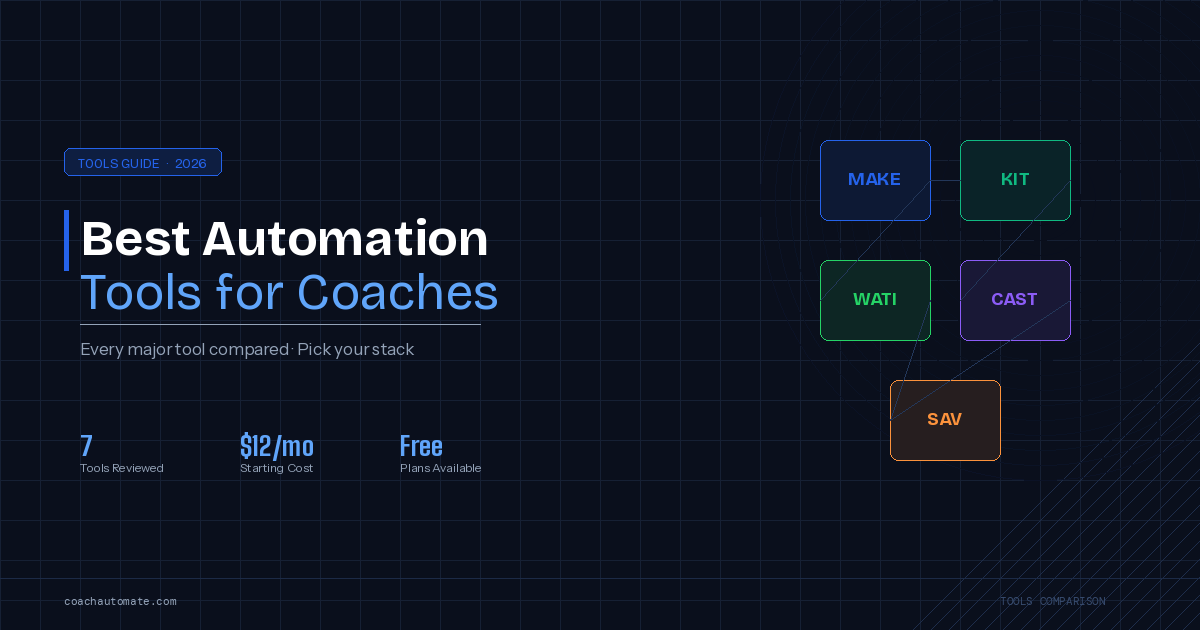
You need four tools: a payment processor (Stripe), an email platform (Grow your audience with Kit recommended), a scheduling tool (SavvyCal), and an automation connector (Automate workflows with Make.com). Three of these have free plans — the total cost to build this system starts at $12/month.
| Tool | Role in Onboarding | Cost |
|---|---|---|
| Stripe | Payment trigger — fires onboarding when payment completes | 2.9% + 30¢ per transaction |
| Kit (ConvertKit) | Welcome email + onboarding sequence delivery | Free up to 10,000 subscribers |
| SavvyCal | First session booking link in welcome email | $12/mo |
| Make.com | Central automation hub connecting all tools | Free (1,000 ops/mo) |
The Complete Onboarding Workflow
Want this in PDF form?
Get the 32-page Coach Automation Playbook — every workflow in this article, plus 5 more, ready to implement this week.
✓ Check your inbox — the playbook is on its way!
No spam. Unsubscribe anytime.
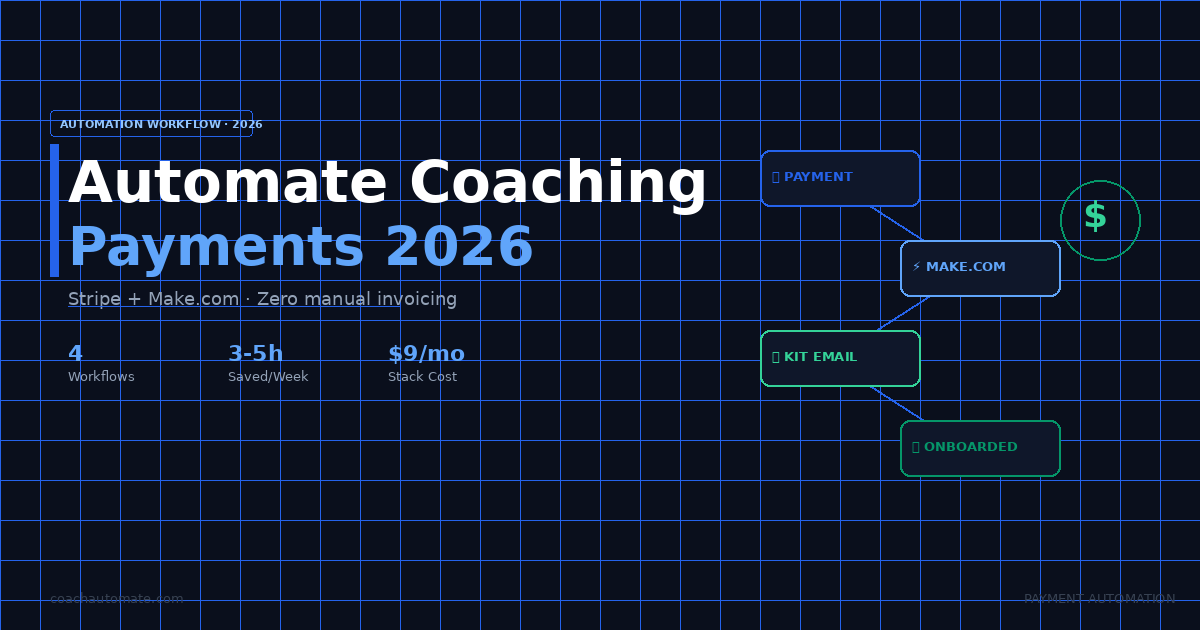
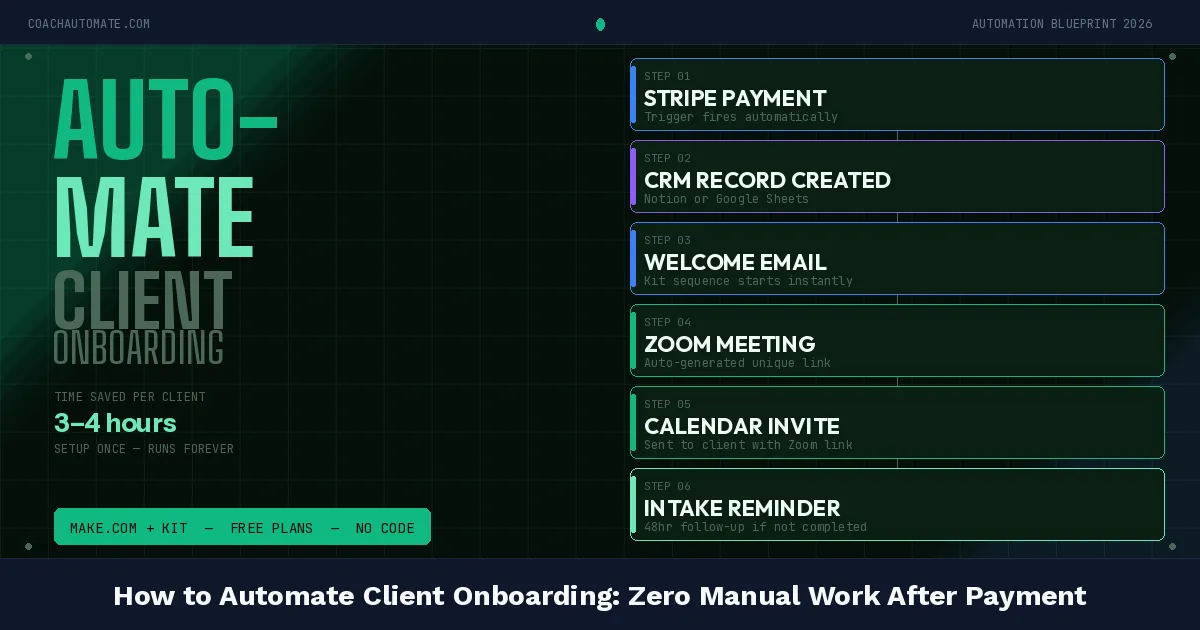
When Stripe receives a successful payment, Automate workflows with Make.com triggers instantly and runs every step in sequence: adds the client to Grow your audience with Kit with a 'new-client' tag, triggers the onboarding email sequence, sends a welcome email with portal access and intake form link, and logs the new client in your Notion CRM. The client receives everything within 30 seconds of payment — before you even see the notification.
| Step | Trigger/Action | Tool | Timing |
|---|---|---|---|
| 1. Trigger | Payment succeeds | Stripe webhook | Instant |
| 2. Add to list | Add subscriber + tag | Kit | Instant |
| 3. Welcome email | Send welcome + intake form + portal link | Kit | Instant |
| 4. Log client | Create new client record | Notion | Instant |
| 5. Day 3 follow-up | Check intake form submitted | Kit sequence | 72 hours later |
| 6. Book first session | Reminder to book via SavvyCal link | Kit sequence | Day 5 |
The Stripe → Make.com → Kit connection takes about 45 minutes to build the first time. See our Make.com tutorial for a step-by-step walkthrough of connecting modules and mapping data fields.
The Onboarding Email Sequence (5 Emails)
Build this 5-email sequence in Grow your audience with Kit before connecting the Make.com trigger. Email 1 fires instantly with the welcome message, portal access, and intake form. Email 2 fires on Day 2 checking they received everything. Email 3 fires on Day 3 with preparation resources for the first session. Email 4 fires on Day 5 as a gentle nudge to book the first session if they have not yet. Email 5 fires on Day 7 as a final reminder.
Build This System with Make.com Free
Connect Stripe, Kit, SavvyCal, and Notion in a single workflow. Free plan includes 1,000 operations/month.
Start Make.com Free → →Set Up Your Onboarding Sequence in Kit
Free up to 10,000 subscribers. Visual sequence builder — no coding required.
Start Kit Free → →Get the Coach Automation Playbook — Free
One practical automation tip a week, plus the 32-page playbook as soon as you sign up. No filler, unsubscribe in one click.
✓ Check your inbox — the playbook is on its way!
Something went wrong. Please try again.
No spam. Unsubscribe anytime. We respect your inbox.