Disclosure: This post contains affiliate links. If you sign up through our links, we earn a small commission at no extra cost to you. We only recommend tools we use and trust.
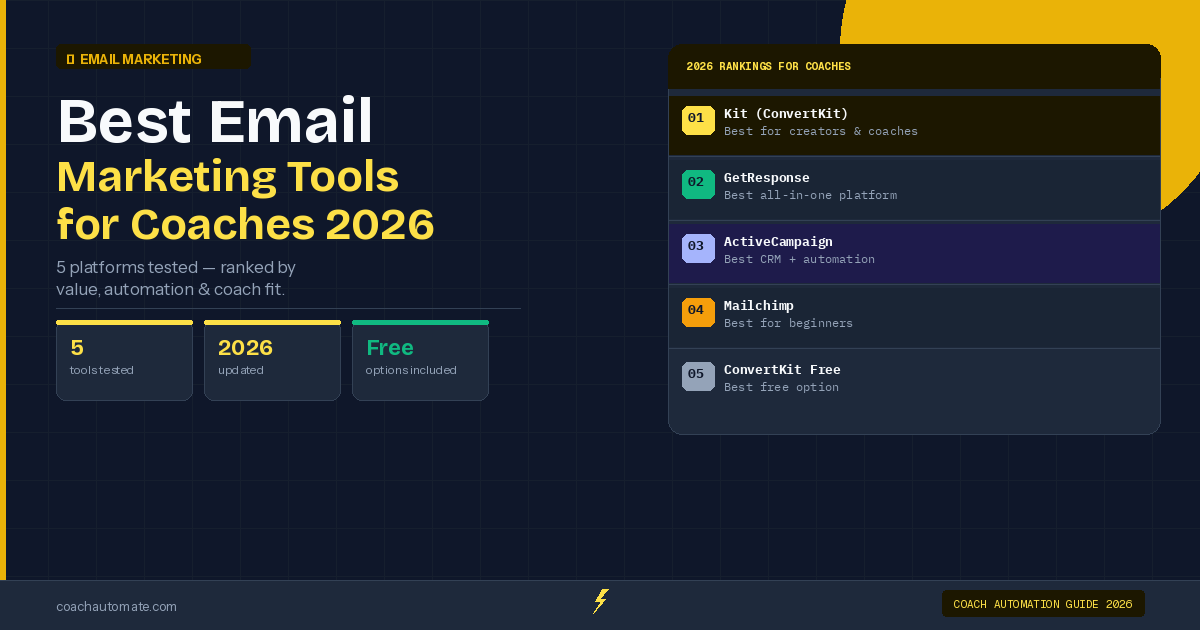
Winner: Kit
Free up to 10K subscribers; tag-based segmentation built for creators
Try Kit Free →Full side-by-side comparison below ↓
This post contains affiliate links. If you sign up through our links, we earn a small commission at no extra cost to you. We only recommend tools we use and trust.
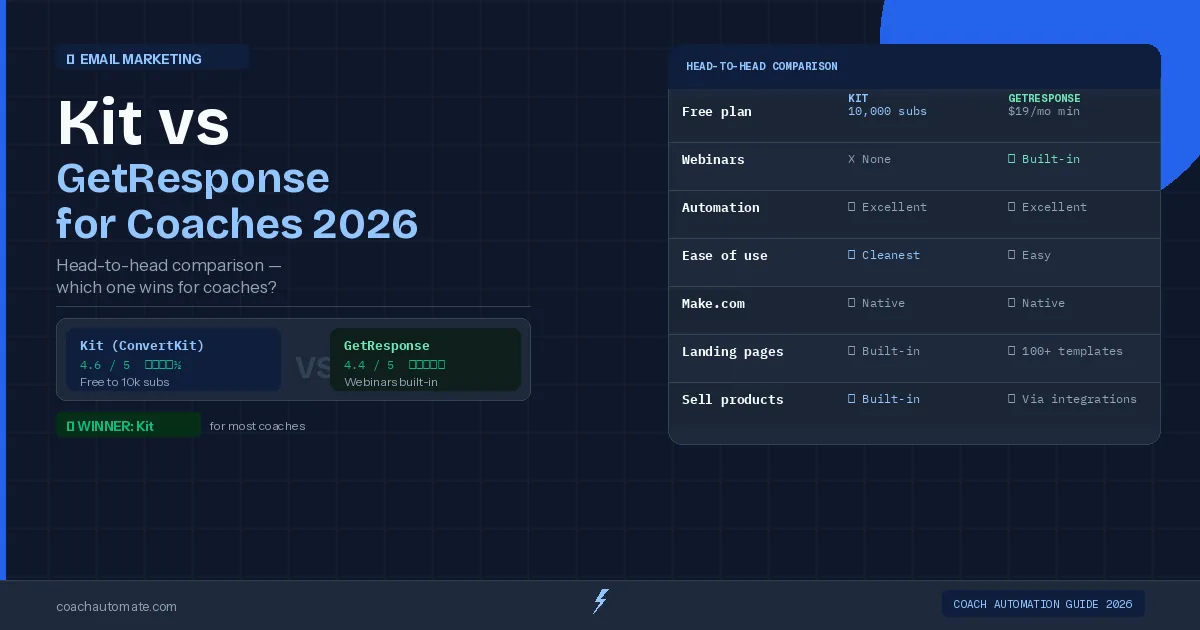
Kit and GetResponse both work for coaches—but they're built differently. Kit wins if you create content and want the most generous free plan. GetResponse wins if you host live webinars and need native hosting built in. Choose based on your actual workflow, not features you won't use.
Last reviewed: May 2026 by CoachAutomate Team
Both Grow your audience with Kit and GetResponse email marketing automation tools are solid email marketing platforms that work well for coaches. But they are built for different kinds of businesses — and choosing the wrong one wastes money and time. This comparison gives you the honest picture so you can decide in under 5 minutes.
Related: Complete Guide to Coaching Automation
Related: Best Automation Tools for Coaches
Related: Coaching Automation Workflows
| Category | Kit | GetResponse |
|---|---|---|
| Starting price | Free (up to 10k subs) | From $15/mo (free plan: 500 contacts) |
| Email automation | ✅ Excellent | ✅ Excellent |
| Landing pages | ✅ Built-in | ✅ Built-in (100+ templates) |
| Webinar hosting | ❌ Not included | ✅ Built-in (up to 100 attendees) |
| Ease of use | ✅ Very clean | ✅ Easy, minor learning curve |
| Make.com integration | ✅ Native | ✅ Native |
| Free trial | Free plan (no trial needed) | Free plan (500 contacts) + 30-day trial for paid features |
| Best for | Content creators, course sellers | Coaches who run live events |
Kit: Best for Coaches Who Create Content
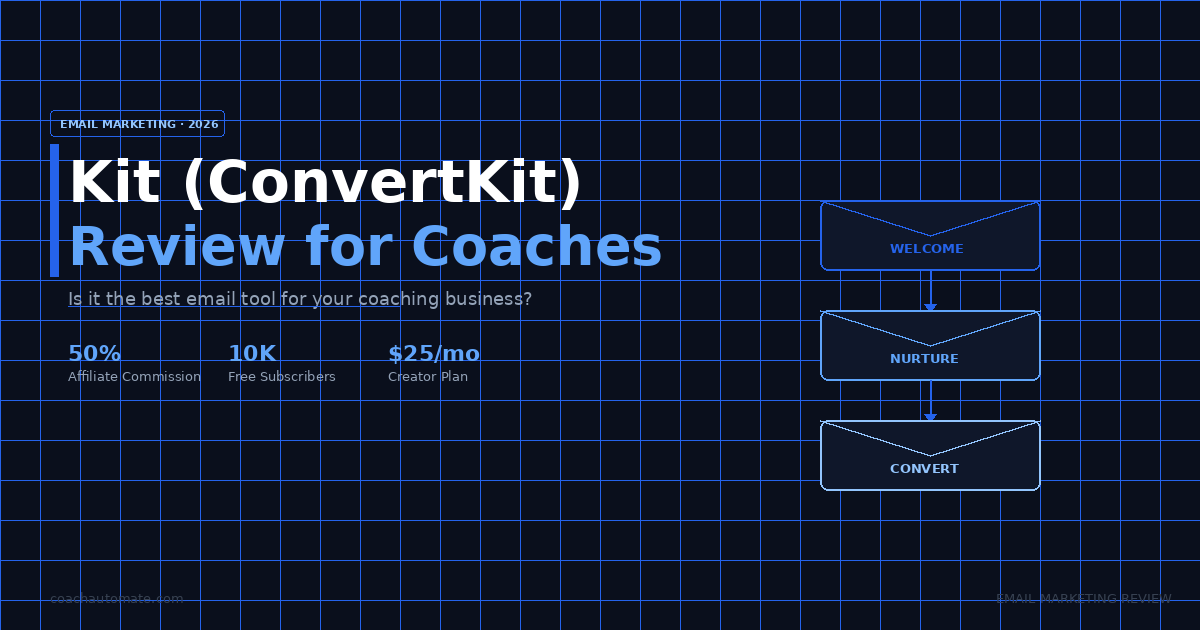
Kit was built specifically for creators and educators — which makes it a natural fit for coaches. The tagging system is intuitive, the sequence builder is visual and easy to use, and the free plan up to 10,000 subscribers is the most generous in the market. Most coaches can run their entire email operation on Kit's free tier for the first 12-18 months before needing to upgrade.
Kit integrates natively with Automate workflows with Make.com — which means you can build automations that add subscribers, apply tags, and trigger sequences based on external events like bookings, payments, and form submissions. This is the combination we use on CoachAutomate and recommend to all coaches starting out.
Free plan to 10,000 subscribers (1 sequence limit). Cleanest email editor in the market. Visual automation sequences on paid plans. Native Make.com integration. Built-in landing pages and opt-in forms. Sell digital products directly.
Free plan limited to 1 automation sequence. Creator plan starts at $39/mo (raised Sep 2025). No webinar hosting. Limited CRM functionality. Not ideal if you need a sales pipeline.
Start Kit Free — Up to 10,000 Subscribers
No credit card required. Full automation sequences, landing pages, and Make.com integration from day one.
Start Kit Free → →GetResponse: Best for Coaches Who Run Live Events
Want this in PDF form?
Get the 32-page Coach Automation Playbook — every workflow in this article, plus 5 more, ready to implement this week.
✓ Check your inbox — the playbook is on its way!
No spam. Unsubscribe anytime.
GetResponse's key differentiator is built-in webinar hosting - up to 500 attendees on higher plans. For coaches who run regular discovery calls, group sessions, or live trainings, this eliminates the need for a separate Zoom or webinar platform - and connects registrations directly to your email automation. A client registers for your webinar, and GetResponse automatically adds them to a follow-up sequence.
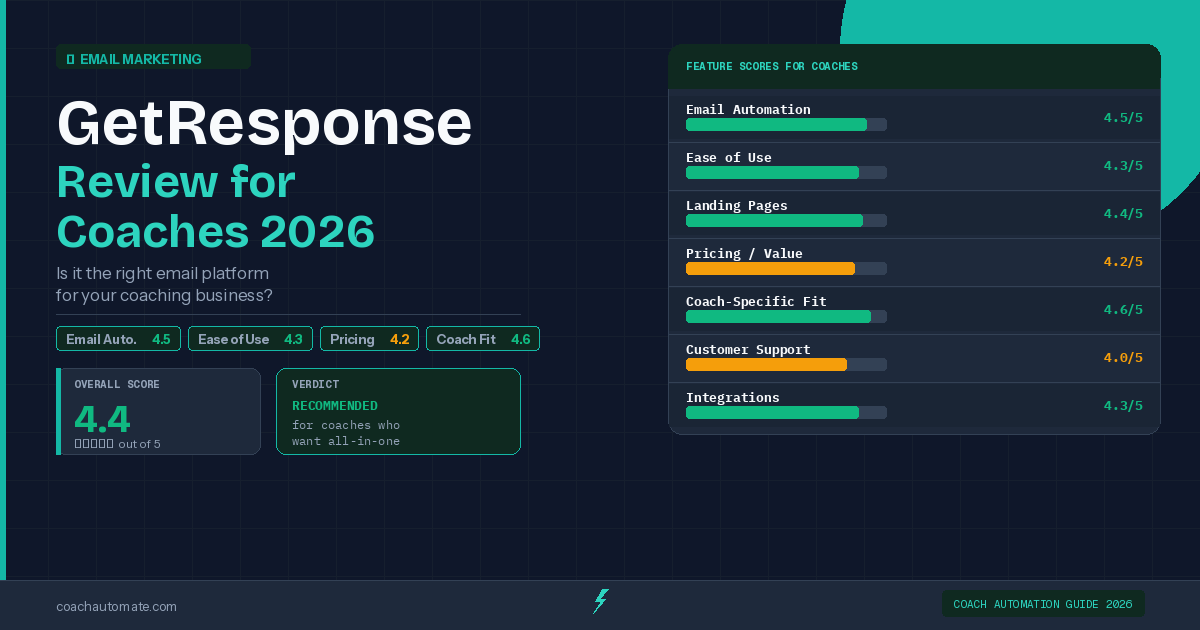
The Marketing Automation plan at $59/month unlocks GetResponse email marketing automation tools's visual automation builder — the feature that makes it worth choosing over cheaper alternatives. Below this tier, you are paying for a basic autoresponder that Kit's free plan beats easily.
Built-in webinar hosting (up to 100 attendees). 100+ landing page templates. Strong visual automation builder. All-in-one platform — fewer tools to manage. 30-day free trial.
Free plan limited to 500 contacts, no automation. Paid plans from $15/mo. Best automation features on Marketer plan ($59/mo). Interface slightly more complex than Kit. No built-in CRM.
Try GetResponse Free for 30 Days
Full access to webinar hosting, landing pages, and automation builder. No credit card required.
Try GetResponse Free → →Verdict: Which Should You Choose?
| If you... | Choose this |
|---|---|
| Are just starting out with a small list | Kit — free plan covers everything you need |
| Run regular webinars or group sessions | GetResponse — webinars built in, no extra tool needed |
| Want the simplest possible setup | Kit — cleanest interface and sequence builder |
| Need landing pages + email in one platform | Either — both have strong landing page builders |
| Sell digital products or courses | Kit — built-in product selling features |
For most coaches, start with Kit's free plan. It handles everything you need for the first year — list building, automation sequences, lead magnet delivery, and Make.com integration. Switch to or add GetResponse when you start running regular webinars and want a single platform for both.
Get the Coach Automation Playbook — Free
One practical automation tip a week, plus the 32-page playbook as soon as you sign up. No filler, unsubscribe in one click.
✓ Check your inbox — the playbook is on its way!
Something went wrong. Please try again.
No spam. Unsubscribe anytime. We respect your inbox.