Disclosure: This post contains affiliate links. If you sign up through our links, we earn a small commission at no extra cost to you. We only recommend tools we use and trust.
This post contains affiliate links. If you sign up through our links, we earn a small commission at no extra cost to you. We only recommend tools we use and trust.
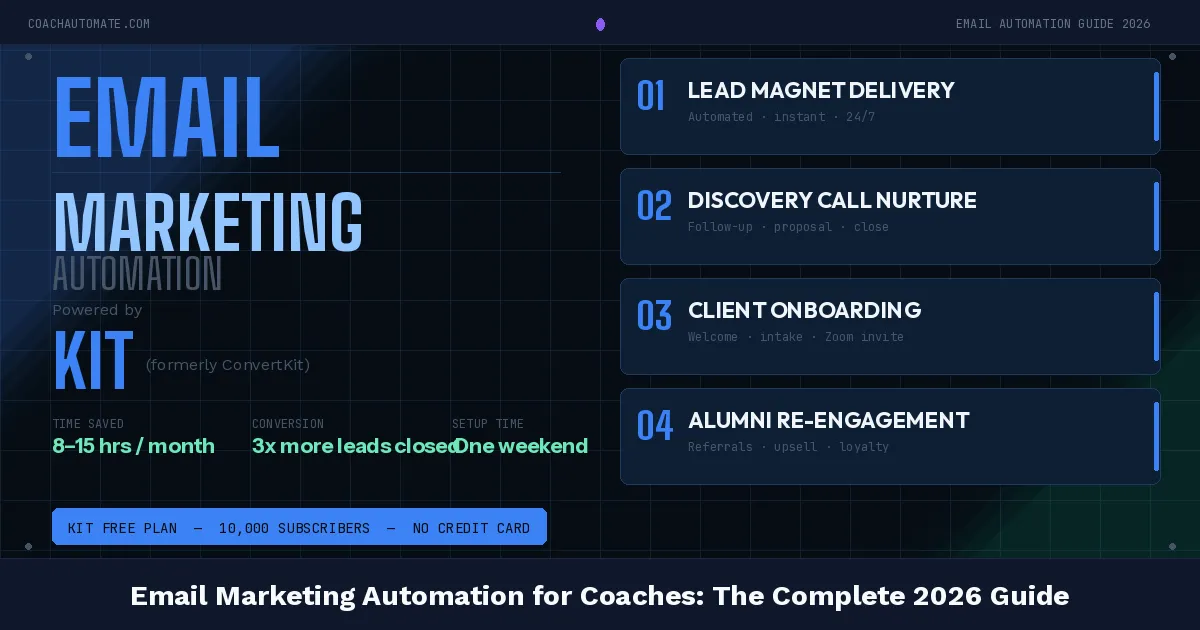
Email automation saves coaches hours weekly by handling welcome sequences, post-session follow-ups, and re-engagement automatically. Using Kit and Make.com, you can build a complete system that nurtures leads and keeps clients engaged 24/7 without manual work.
Last reviewed: May 2026 by CoachAutomate Team
Most coaches send emails manually. A new client signs up and they write a welcome email. Someone downloads a freebie and they write a follow-up. A session ends and they write a check-in. Multiply this across 10, 20, 50 clients and it consumes hours every week — for work a properly configured automation system does in milliseconds.
Related: Complete Guide to Coaching Automation
Related: Best Automation Tools for Coaches
Related: Coaching Automation Workflows
This guide covers the exact email sequences every coach needs, the tools to build them, and how to connect everything with Automate workflows with Make.com so your email system runs without any manual input.
Why Email Automation Matters for Coaches
Email has the highest ROI of any marketing channel — $36 returned for every $1 spent on average. For coaches, that number is even higher because email works on both ends of the business: it nurtures cold leads into paying clients, and it keeps existing clients engaged between sessions. The automation layer means this happens 24/7 without your involvement.
The Right Tools for Coach Email Automation
Want this in PDF form?
Get the 32-page Coach Automation Playbook — every workflow in this article, plus 5 more, ready to implement this week.
✓ Check your inbox — the playbook is on its way!
No spam. Unsubscribe anytime.
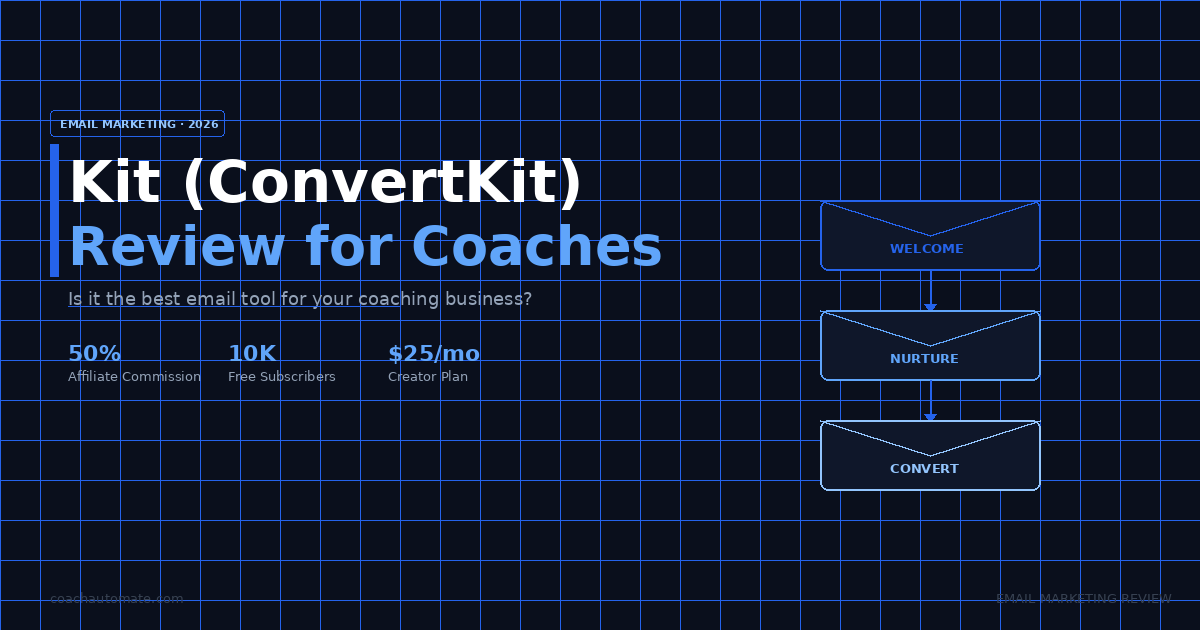
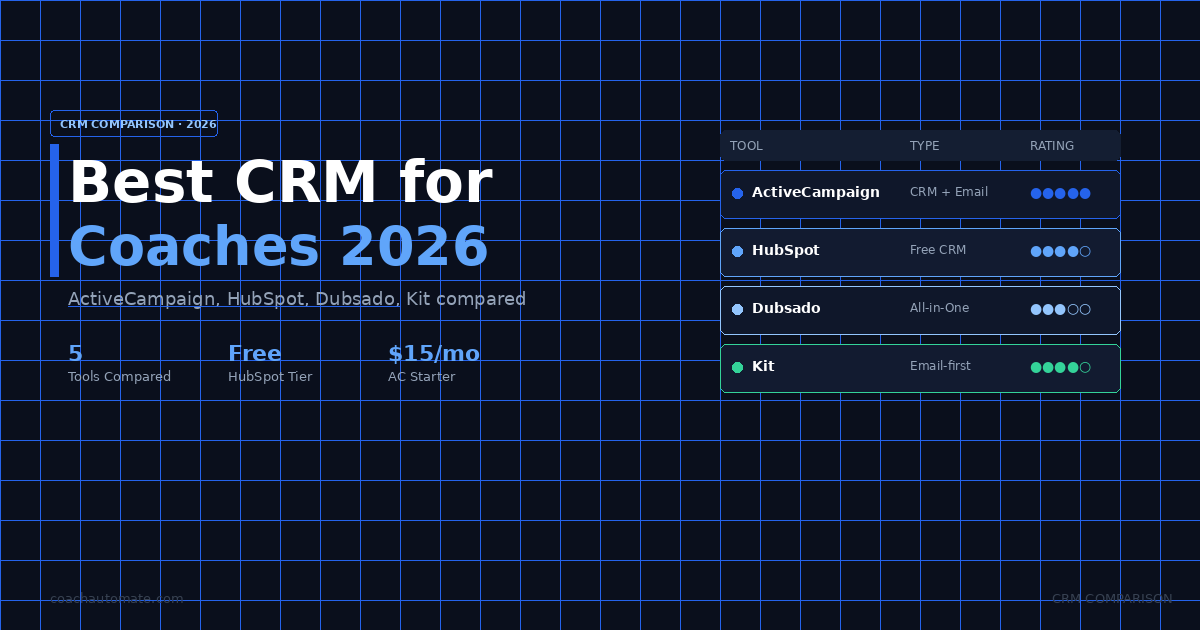
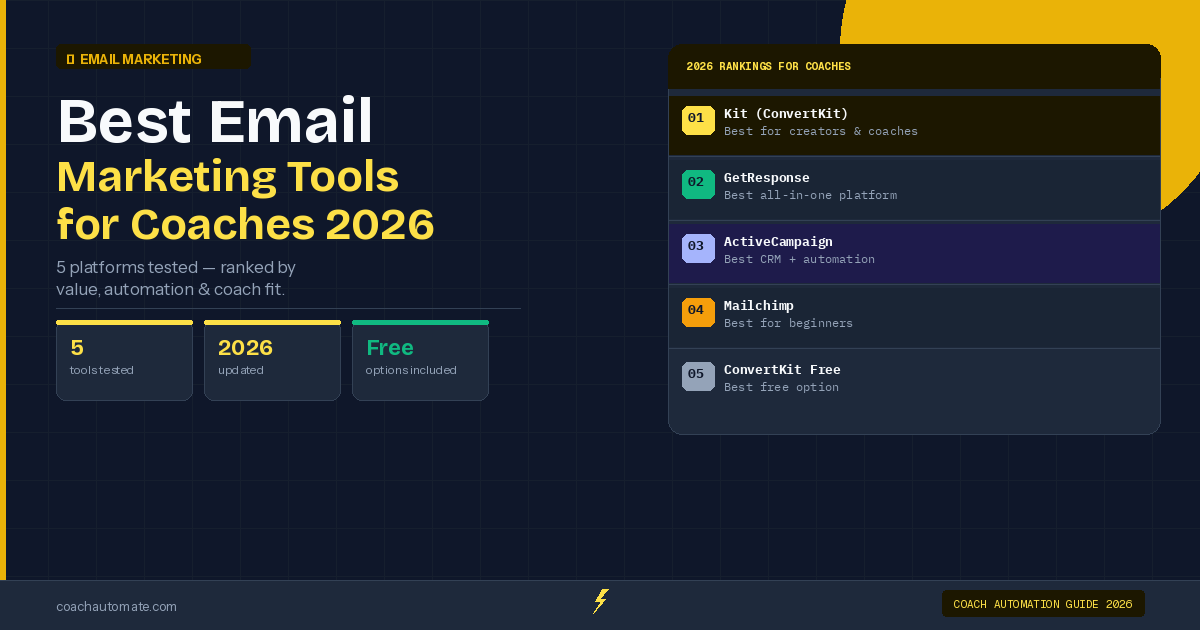
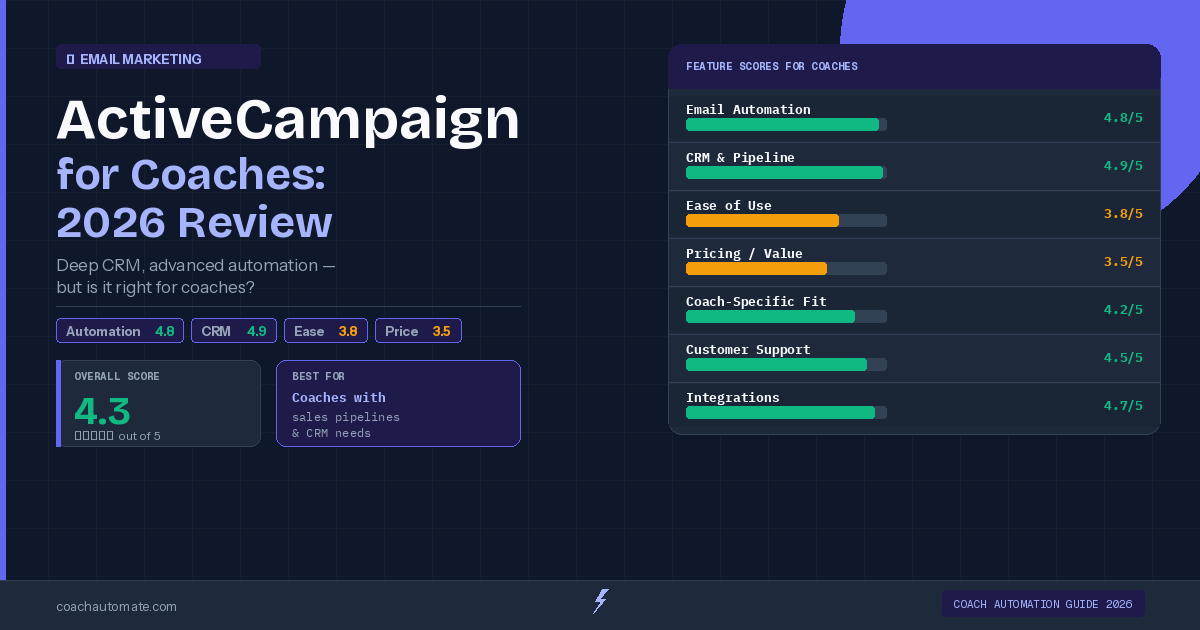
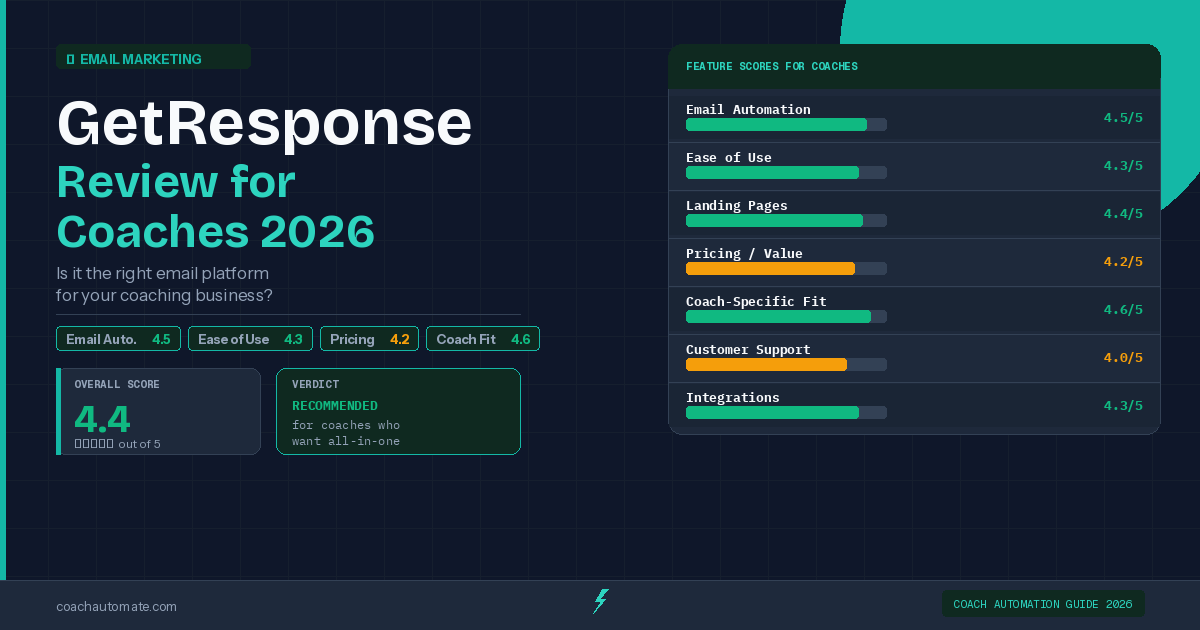
You need two tools: an email platform and an automation connector. For the email platform, Build your list with Kit is our top recommendation for coaches — generous free plan up to 10,000 subscribers, clean automation builder, and native Make.com integration. For coaches who run webinars or need an all-in-one platform, GetResponse email marketing automation tools is the strongest alternative. For coaches with a sales pipeline and high-ticket offers, ActiveCampaign automates your client follow-ups has the best CRM in the market.
| Tool | Best For | Free Plan | Affiliate Link |
|---|---|---|---|
| Kit (ConvertKit) | Creators, course sellers, coaches | Yes — up to 10,000 subs | coachautomate.com/go/kit |
| GetResponse | All-in-one: email + webinars + landing pages | 30-day free trial | coachautomate.com/go/getresponse |
| ActiveCampaign | CRM + automation for high-ticket coaches | 14-day free trial | coachautomate.com/go/activecampaign |
| Make.com | Connecting email platform to everything else | Yes — 1,000 ops/month | coachautomate.com/go/make |
Sequence 1: The Welcome Sequence (5 Emails)
The welcome sequence is the most important automation you will build. It fires when someone joins your list — whether via a lead magnet, your website opt-in form, or a booking confirmation. The goal is to move them from stranger to warm prospect who knows, likes, and trusts you.
| Send Time | Subject Line Goal | CTA | |
|---|---|---|---|
| Email 1 | Immediately | Deliver lead magnet + warm welcome | Download the resource |
| Email 2 | Day 2 | Your story — why you coach | Reply with their #1 challenge |
| Email 3 | Day 4 | Quick win — one actionable tip | Implement + reply with result |
| Email 4 | Day 7 | Social proof — client result | Book a discovery call |
| Email 5 | Day 10 | Your offer — clear and direct | Apply / book / buy |
The welcome sequence generates more revenue than any other automation because every new subscriber goes through it. Build this before anything else. In Kit, it takes under an hour to set up using their visual sequence builder.
Sequence 2: Post-Session Follow-Up (3 Emails)
This sequence fires automatically after every coaching session via a Automate workflows with Make.com webhook triggered by your calendar tool. Email 1 sends immediately after the session ends with a summary and next steps. Email 2 fires 3 days later checking on progress. Email 3 fires 7 days later with a rebooking nudge.
Sequence 3: Re-Engagement Sequence (4 Emails)
Subscribers who have not opened an email in 60 days enter this sequence automatically. The goal is to either re-engage them or clean them from your list — both outcomes improve your deliverability. Send a pattern-interrupt subject line, offer something new, then ask directly if they want to stay subscribed. Unsubscribes here are healthy.
Connecting Everything with Make.com
The real power comes when your email platform connects to the rest of your coaching stack. Automate workflows with Make.com acts as the central hub: when a client books via SavvyCal, Make.com adds them to Kit with the correct tags and triggers the onboarding sequence. When a Stripe payment completes, Make.com tags the contact as a paying client and starts the client sequence. When a session ends, Make.com triggers the post-session follow-up. Everything is automatic.
Automate Your Entire Email System with Make.com
Connect Kit, SavvyCal, Stripe, and your CRM in one visual workflow. Free plan includes 1,000 operations/month.
Start Make.com Free → →How to Get Started Today
The fastest path to a working email automation system: sign up for Kit's free plan, build your welcome sequence using their visual builder, connect your opt-in form to your website, and test by subscribing yourself. The whole setup takes 2-3 hours and then runs forever.
Start Building Your Email Automation Today
Kit's free plan handles up to 10,000 subscribers with full automation sequences. No credit card required.
Start Kit Free → →Get the Coach Automation Playbook — Free
One practical automation tip a week, plus the 32-page playbook as soon as you sign up. No filler, unsubscribe in one click.
✓ Check your inbox — the playbook is on its way!
Something went wrong. Please try again.
No spam. Unsubscribe anytime. We respect your inbox.