Disclosure: This post contains affiliate links. If you sign up through our links, we earn a small commission at no extra cost to you. We only recommend tools we use and trust.
This post contains affiliate links. If you sign up through our links, we earn a small commission at no extra cost to you. We only recommend tools we use and trust.
Transform 60-minute coaching recordings into published content in 15 minutes instead of 4 hours. This Make.com + Castmagic workflow automatically generates blog posts, social captions, and newsletters from your sessions, letting you focus on coaching instead of manual content repurposing.
Last reviewed: May 2026 by CoachAutomate Team
Every coaching session contains valuable content — frameworks, client breakthroughs, insights, and teachable moments. Most coaches never publish this content because turning a 60-minute recording into blog posts, social captions, and a newsletter takes 3-4 hours of manual work. This workflow uses Castmagic automates your content repurposing and Automate workflows with Make.com to automate the entire process, reducing that 3-4 hours to 15-20 minutes of review and light editing.
Related: Complete Guide to Coaching Automation
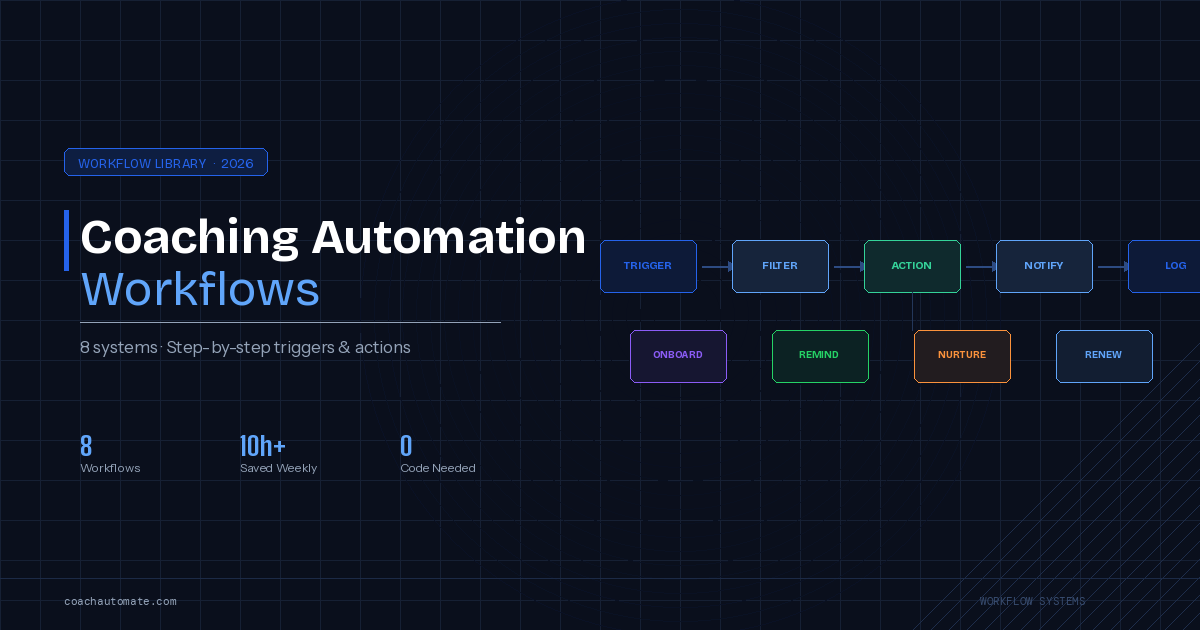
Related: Coaching Automation Workflows
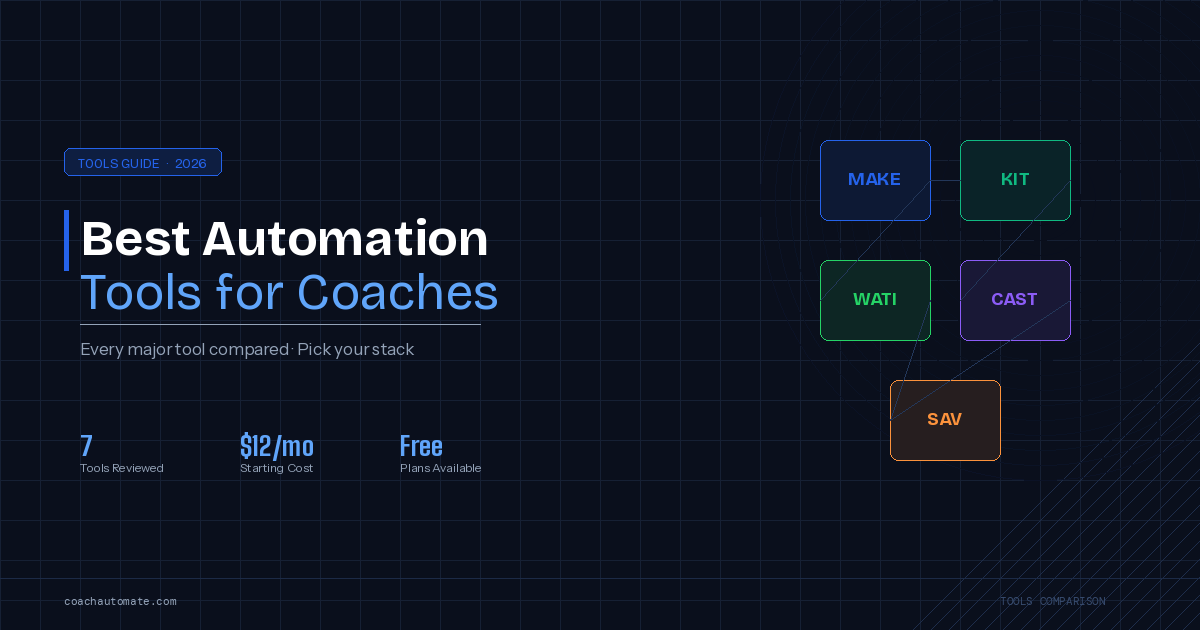
Related: Best Automation Tools for Coaches
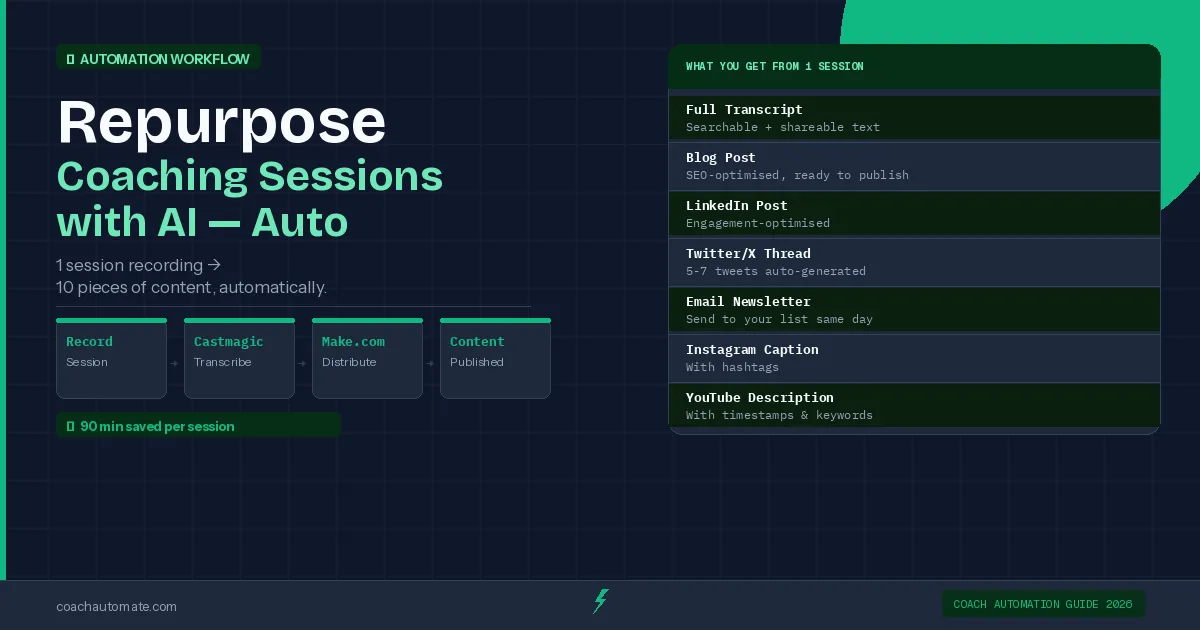
Full transcript • Blog post draft (800-1200 words) • LinkedIn post • Twitter/X thread • Email newsletter • Show notes • Key quotes • Client action items
Get the Tools for This Workflow
Castmagic handles the AI content generation. Make.com handles the automation. Both have free plans to start.
Try Castmagic Free → →Tools You Need
| Tool | Purpose | Cost |
|---|---|---|
| Castmagic | AI transcription + content generation | $23/mo |
| Make.com | Automation — connects everything | Free–$9/mo |
| Google Drive | Recording storage + trigger | Free |
| Kit or GetResponse | Email newsletter delivery | Free–$25/mo |
The Manual Workflow (Before Automation)
Want this in PDF form?
Get the 32-page Coach Automation Playbook — every workflow in this article, plus 5 more, ready to implement this week.
✓ Check your inbox — the playbook is on its way!
No spam. Unsubscribe anytime.
Before building the automation, understand the manual workflow — then you can automate each step with confidence.
| Step | Action | Time |
|---|---|---|
| 1 | Record coaching session (Zoom/Loom/iPhone) | Session length |
| 2 | Upload recording to Castmagic | 2 min |
| 3 | Wait for AI processing | 3-5 min |
| 4 | Review and edit all outputs | 15-20 min |
| 5 | Publish blog post to CMS | 5 min |
| 6 | Schedule social posts | 5 min |
| 7 | Send email newsletter | 5 min |
The Automated Workflow with Make.com
With Automate workflows with Make.com handling the pipeline, steps 2-3 and 5-7 happen automatically. You only do step 4 — review and edit. Here is how to build it:
Step 1: Set Up Google Drive as the Trigger
Create a dedicated Google Drive folder called 'Coaching Recordings'. In Make.com, create a new scenario with the trigger: Google Drive → Watch Files in Folder. Set it to trigger when a new file appears in your recordings folder.
Step 2: Connect Castmagic via API
Add a Make.com HTTP module that sends the Google Drive file URL to the Castmagic automates your content repurposing API. Castmagic's API accepts file URLs and returns generated content for each output type. Set the content type preferences in the API call — specify coaching session context for best results.
Step 3: Route Outputs to Their Destinations
Once Castmagic automates your content repurposing returns the generated content, use Make.com's Router module to send each output to its destination: blog post → your CMS via API, social posts → your social scheduler (Buffer, Hootsuite), email newsletter → Grow your audience with Kit or GetResponse as a draft.
Configure all outputs to save as drafts rather than publishing immediately. This preserves your 15-minute review step without interrupting the automation flow.
Build This Workflow on Make.com
Make.com's free plan supports this entire automation. Connect Castmagic, Google Drive, and your CMS in one scenario.
Try Make.com Free → →Time Saved Per Session
| Task | Manual Time | Automated Time | Saved |
|---|---|---|---|
| Upload to Castmagic | 2 min | 0 min | 2 min |
| Processing wait | 3-5 min | Background | 3-5 min |
| Publish to CMS | 5 min | 0 min | 5 min |
| Schedule social posts | 10 min | 0 min | 10 min |
| Send newsletter | 10 min | 0 min | 10 min |
| Total per session | 30-32 min | 0 min | ~90 min/week |
Coaches who record 3 sessions per week save approximately 90 minutes of content admin using this workflow. Over a year, that is 78 hours returned to coaching, business development, or rest.
Try Castmagic Free
Start with the free trial to test the content outputs from your own recordings before building the automation.
Try Castmagic Free → →Automate It with Make.com
Make.com's free plan covers this entire workflow for most coaches. No coding required.
Try Make.com Free → →Get the Coach Automation Playbook — Free
One practical automation tip a week, plus the 32-page playbook as soon as you sign up. No filler, unsubscribe in one click.
✓ Check your inbox — the playbook is on its way!
Something went wrong. Please try again.
No spam. Unsubscribe anytime. We respect your inbox.